M A E D A Mini-Crawler Crane Section 4 – REMOTE CONTROL SYSTEM COMPONENTS
3/2019 MC305C-3 4-81
LCD Screen
The LCD screen displays the status of the
Transmitter in operation, the established values
for each mode, or error messages by symbols,
comments or signs.
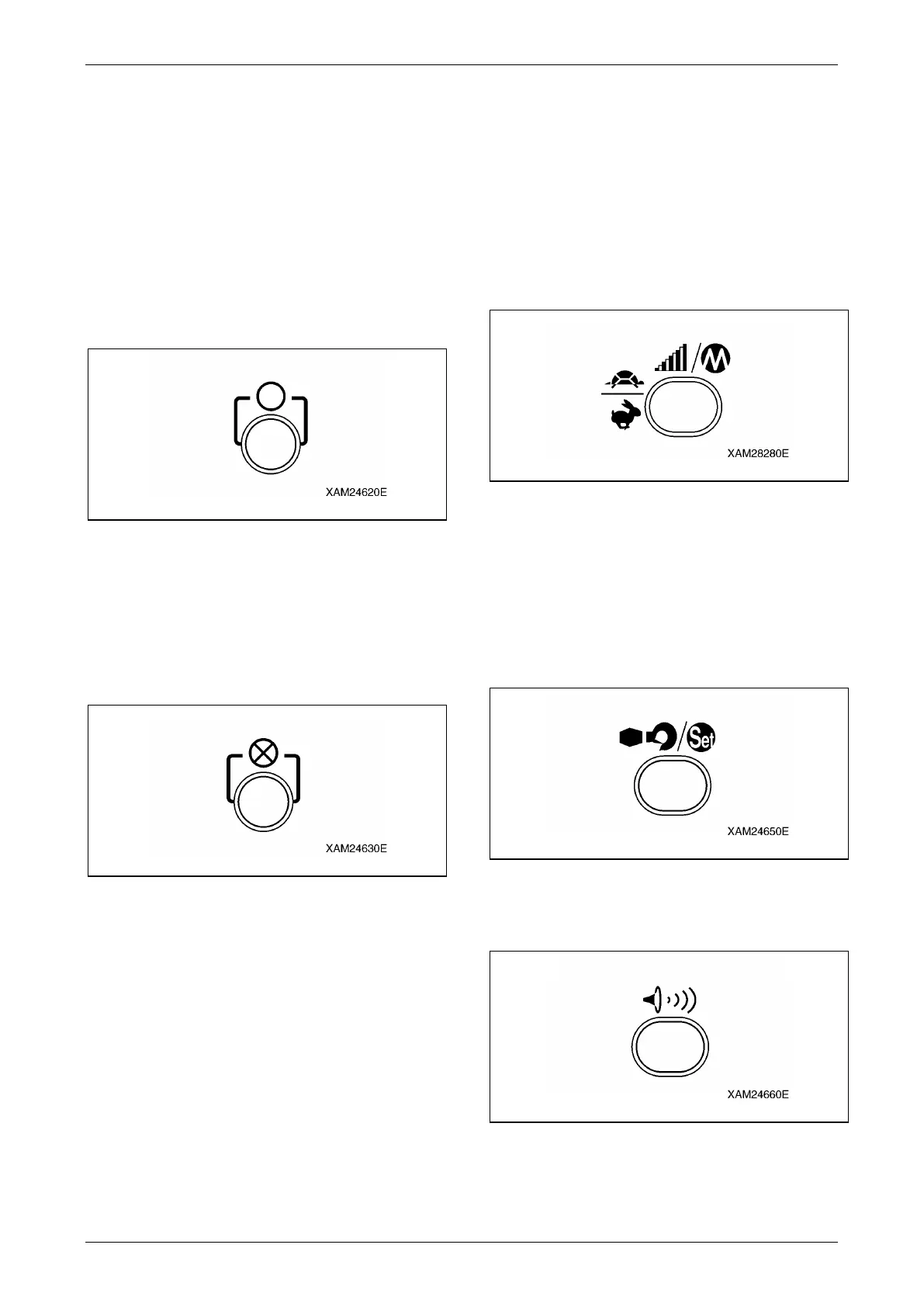
Start/Reset Button
This button has two usages as below:
• To push this button starts the engine.
• This button resets the "Emergency Stop" and
"Abnormal Signal Detect" conditions.
Fig. 4-214
Stop/EMO Button
This button also has two usages as below:
• To push this button stops the engine.
• In an emergency event where the Crane does
not stop by normal operations, or such, this
button provides the forced stop function.
Fig. 4-215
Speed/Mode Button
This button also provides two usages as below:
• During crane operations, to push this button
decelerates the operation speed.
• During the crane operation is in a pause, this
button provides the selection of the
Transmitter operation modes.
The current active mode will be displayed in
the LCD screen.
Fig. 4-216
Hook Stow/Setting Button
This button also serves two usages as below:
• To push this button automatically stows the
hook.
• For each of the setting of the modes, use this
button to fix to one of the choice from the menu
in the LCD screen.
Fig. 4-217
Horn Button
Push this button to toot the horn.
Fig. 4-218



 To Next Page