Section 4 – REMOTE CONTROL OPERATION Mini-Crawler Crane M A E D A
4-108 3/2019 MC305C-3
Outrigger Setting
1. In accordance with "Procedure in the
Operation Mode" on page 4-94, enter into
the "OUTRIGGER MODE".
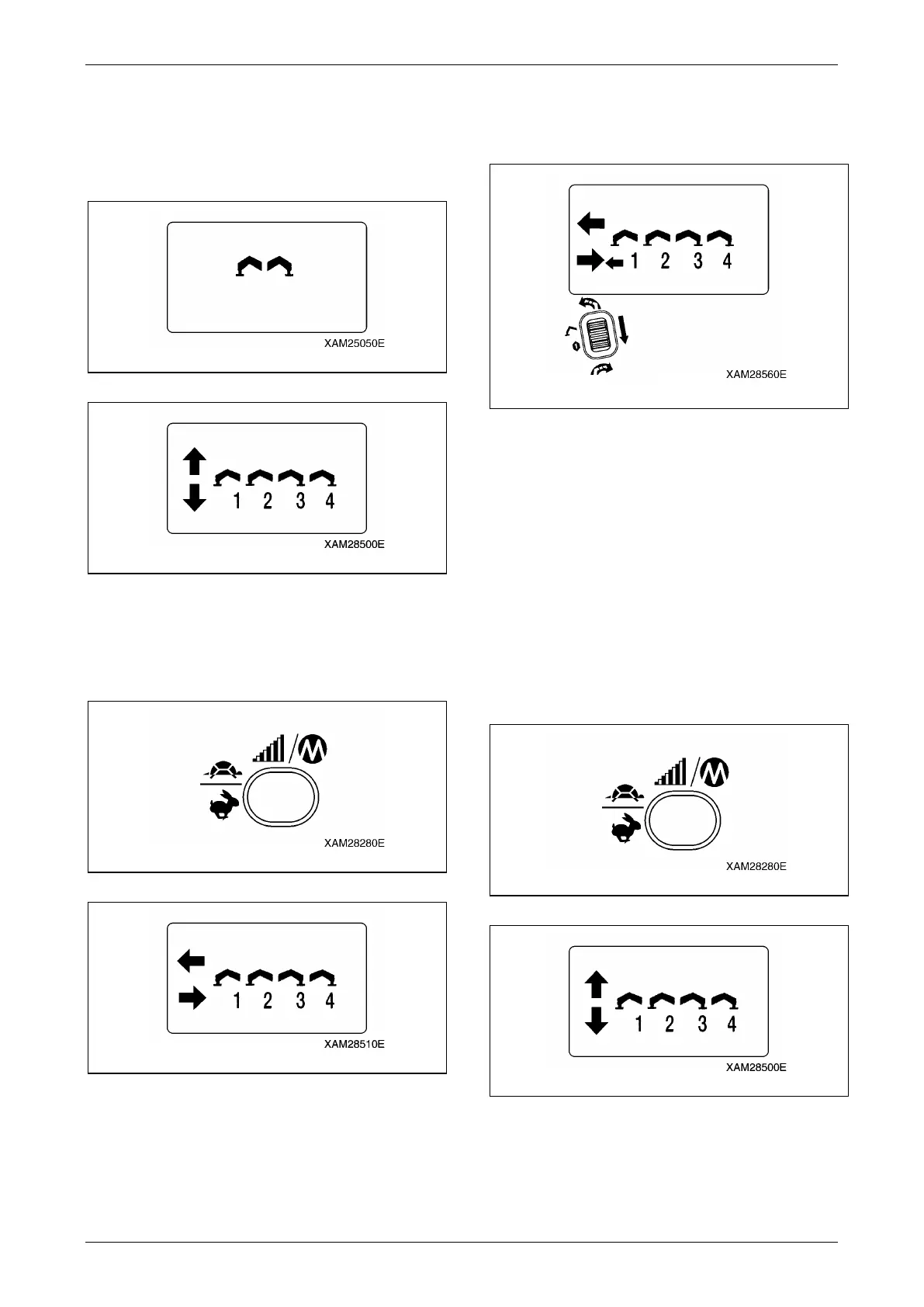
Fig. 4-318
Fig. 4-319
2. Push Speed/Mode button in the mode
condition of above 1.
The operation mode is switched to
"Outrigger Extension mode".
Fig. 4-320
Fig. 4-321
3. Turn one of the outrigger operation levers to
"Extend (lower)" and pull the Accelerator
lever slowly.
Fig. 4-322
4. When the outrigger is extended to the
proper position, slowly release the
accelerator lever, then release the outrigger
operation lever to return to its neutral
position.
NOTICE: Repeat the same process to the other
three outriggers, so that all of the four outriggers
are extended to the proper position.
5. Push Speed/Mode button in the mode
condition of above 4.
The operation mode is switched to "Ground
setting mode".
Fig. 4-323
Fig. 4-324



 To Next Page