M A E D A Mini-Crawler Crane Section 4 – MODE SETTING OF THE TRANSMITTER
3/2019 MC305C-3 4-89
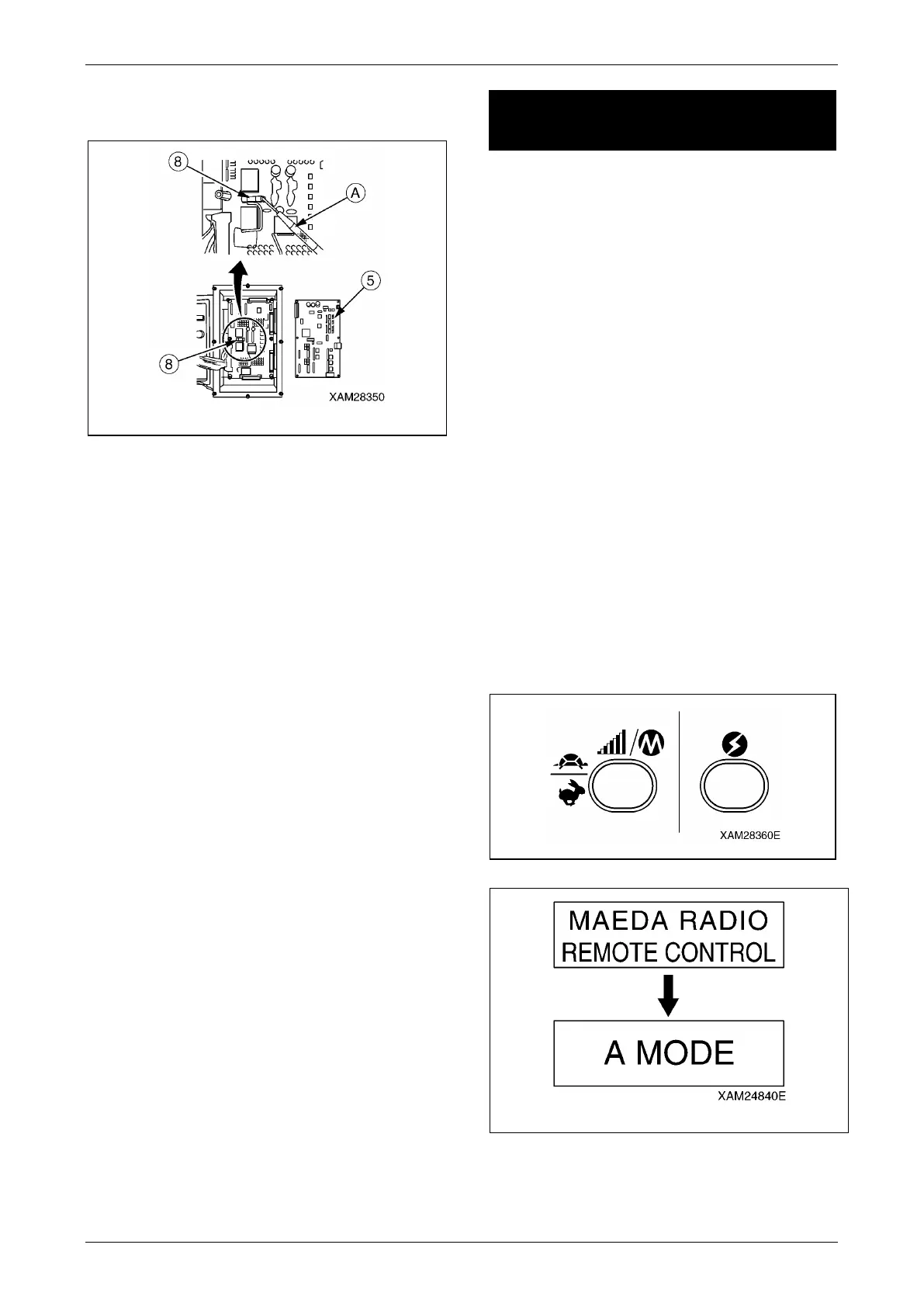
5. With a jeweler’s driver (A) to pull out the
fuse (8) from its clips, then examine it.
Fig. 4-236
6. Insert a new fuse or the examined fuse to
where the one was.
7. See "Installing Rear Cover" on page 5-19
and install the rear cover.
Insertion of a Fuse
After the fuse is examined or replaced, restore
the Receiver in the reverse practice of the
removal.
CAUTION:
• When the three connectors (6) of the first
PCB (5) is inserted again, secure them and
avoid any loose conditions.
• Care should be exercised so that the cover
(3) of the Receiver will not catch wires
when it is attached back.
[Fuse class]
Type: Grass tube fuse
Rating: 15A
MODE SETTING OF THE
TRANSMITTER
This device provides the "A MODE" in which the
initial values of the Transmitter are established,
the "OUTRIGGER MODE" in which the
outriggers are set or stowed, and the "CRANE
MODE" where the Crane is operated. This
device is designed to switch to the applicable
mode for the operation by the Transmitter.
A Mode
WARNING!
• Before entering into A MODE, always turn
the main switch of the Receiver to the OFF
position.
• Before the setting of values for A MODE,
ensure that "A MODE" is correctly
indicated in the LCD screen. Otherwise,
un-expected motion of the Crane may
result a serious accident, due to entry of
values in the other mode, by mistake.
Opening A Mode Screen
Push the Speed/Mode button and Power switch
jointly for 2 seconds. A message as "A MODE"
appears in the LCD screen for 2 seconds.
Fig. 4-237
Fig. 4-238



 To Next Page