Section 4 – REMOTE CONTROL SYSTEM VERIFICATIONS Mini-Crawler Crane M A E D A
4-104 3/2019 MC305C-3
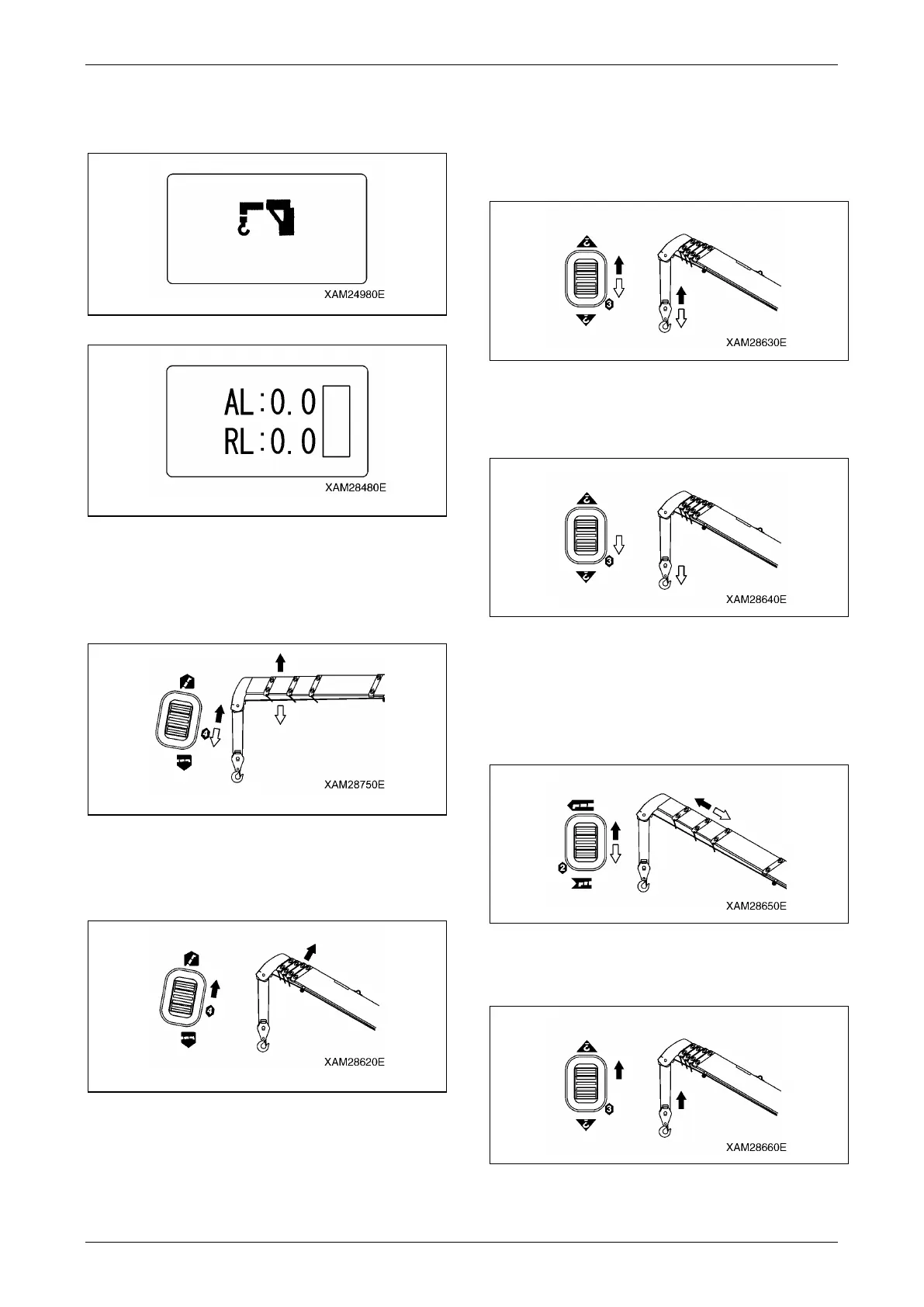
5. Enter into "CRANE MODE"; confirm that the
indication as "CRANE MODE" is displayed
in the LCD screen.
Fig. 4-301
Fig. 4-302
6. Use the Boom telescoping lever to the both
"Raise (upper)" and "Lower (lower)" area,
pull the Accelerator lever and check that the
boom follows the lever operation.
Fig. 4-303
7. Raise the boom to the sufficient angle
(approximately 60 degree) by the Boom lift
lever, pushing to the "Raise (upper)" area.
Fig. 4-304
8. During the Hook raising and lowering lever
manipulation, to the "Raise (upper)" and
"Lower (lower)" area respectively, pull the
Accelerator lever and check that the hook
follows the lever operation.
Fig. 4-305
9. Using the Hook raising and lowering lever to
the "Lower (upper)" area, lower the hook as
much as possible.
Fig. 4-306
10. During the Boom telescoping lever
manipulation, to the "Extend (upper)" and
"Retract (lower)" area respectively, pull the
Accelerator lever and check that the boom
follows the lever operation.
Fig. 4-307
11. Using the Hook raising and lowering lever to
the "Raise (upper)" area, hoist the hook.
Fig. 4-308



 To Next Page