M A E D A Mini-Crawler Crane Section 4 – INSTRUMENT PANEL SECTIONS
3/2019 MC305C-3 4-9
Travelling High-Speed Switch
NOTICE: It may be difficult to change the
direction in the high-speed travelling mode. In
that case, switch to the low-speed travelling
mode.
Use this switch to change the mode of the
machine travelling speed.
The pilot lamp at the switch section lights up
when the switch is operated to the "ON" position
and extinguishes at the "OFF" position.
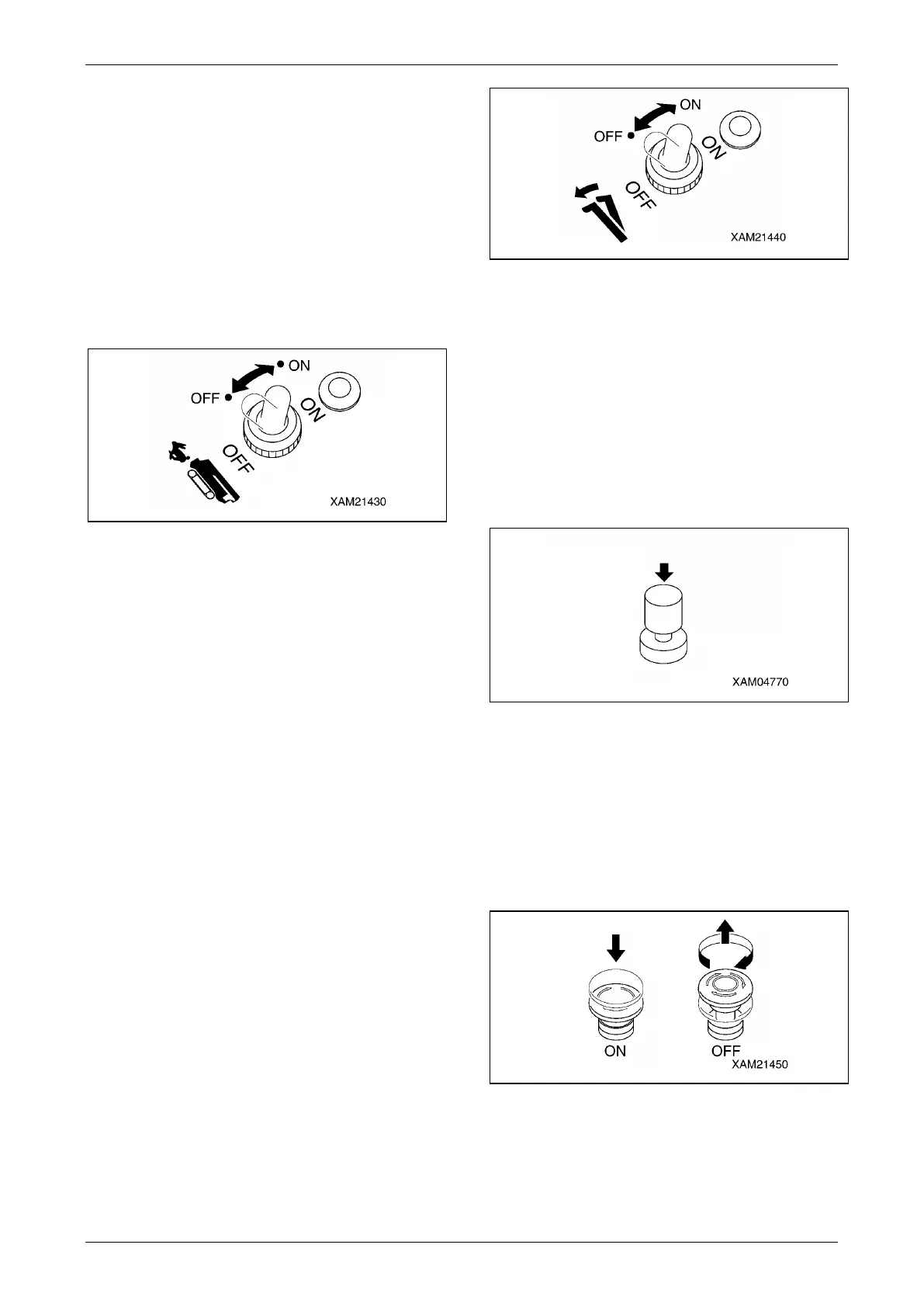
Fig. 4-14
• ON: Push the switch forward. The travelling
speed mode changes to high-speed travelling
mode.
• OFF: Push down the switch toward you. The
travelling speed mode changes to low-speed
travelling mode.
Boom Stowing Switch
WARNING!
• The boom stowing switch cancels the
auto-stop function of the lower-limit
detecting interlock device during the boom
"lowering" operation.
Operate the boom derricking lever
carefully when stowing the boom. Pay
sufficient attention not to let the boom
collide with the machine body.
• Use the boom stowing switch only when
stowing the boom.
Use this switch to stow the boom.
The pilot lamp at the switch section lights up
when the switch is set to the "ON" position and
extinguishes at the "OFF" position.
Fig. 4-15
• ON: Keep pushing the switch forward and
operate the boom derricking lever to "LOWER"
side. The boom lowers and can be stowed.
• OFF: Release your finger from the switch. The
switch returns to the original position and the
auto-stop function of the lower-limit detecting
interlock device will be activated.
Horn Switch
Use this switch to honk the horn.
Fig. 4-16
• Honking the horn: Press the switch.
NOTES: The horn will stop when you release
your finger from the switch.
Engine Emergency Stop Switch (EMO)
Use this switch in case of an error in the machine
to stop the machine for emergency.
Fig. 4-17
• ON: Press the switch. The engine stops.
• OFF: Turn the switch clockwise (direction of
the arrow in the figure). The switch
returns to the original position.



 To Next Page