

 To Next Page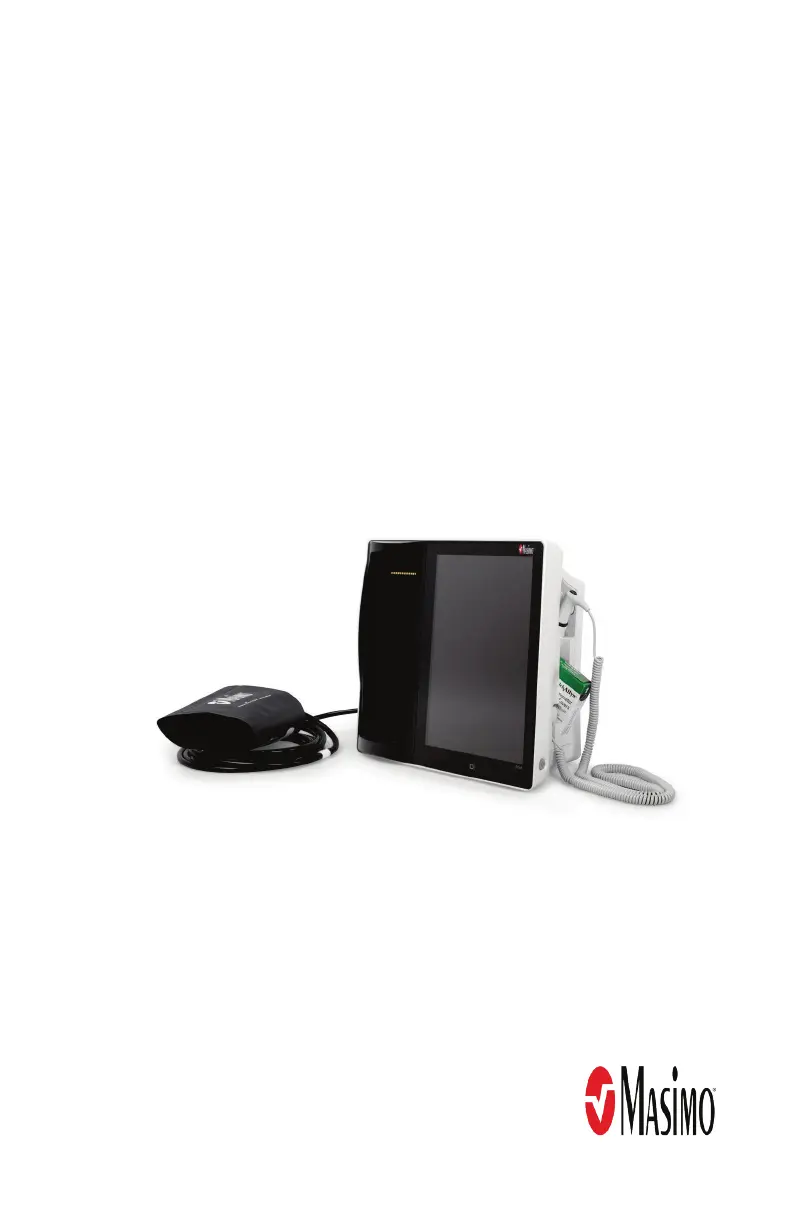

L
Laura CastroSep 3, 2025
Why does Nurse Call not communicate on my Masimo Root?
- CChristopher HamiltonSep 3, 2025
If the Nurse Call feature on your Masimo Medical Equipment is not communicating, unplug and replug the Nurse Call connector.

Why does Nurse Call not communicate on my Masimo Root?
If the Nurse Call feature on your Masimo Medical Equipment is not communicating, unplug and replug the Nurse Call connector.
Why doesn't the EMR Push icon appear on my Masimo Root?
If the EMR Push icon does not appear in the Action Bar of your Masimo Medical Equipment, ensure Wi-Fi is enabled and that Root is connected to Patient SafetyNet.
Why doesn't Iris screen display connection status on my Masimo Medical Equipment?
If the Iris screen on your Masimo Medical Equipment does not display the connection status for standalone devices, it could be due to a connection error. Try unplugging and replugging the Iris Adapter.
What to do if Masimo Medical Equipment Root has a continuous speaker tone?
If your Masimo Medical Equipment Root has a continuous speaker tone, press the Power Button for eight seconds to silence the alarm. If the alarm continues to sound, power off Root.
Why is my Masimo Root Medical Equipment not displaying data from modules?
If your Masimo Medical Equipment is not displaying data from Radical-7, Radius-7, or MOC-9 modules, a connection error may be the cause. Ensure that all connections are securely in place and properly plugged in, and verify that the cable is not defective. If using Radius-7, ensure that the device is paired with Root via Bluetooth.
What to do if Masimo Medical Equipment Root turns on but the main screen is dim?
If your Masimo Medical Equipment Root turns on but the main screen is dim or blank, the brightness setting may be incorrect. Adjust the brightness setting to resolve this issue.
Why won't my Masimo Medical Equipment Root turn on?
Your Masimo Root device may not be turning on because the power button wasn't pressed long enough. Try pressing and holding the power button for two seconds. Also, the battery might be depleted; connect the Root to AC power to charge it. Finally, one of the fuses might not be working correctly; in this case, replace the fuse.
Why is my Masimo Root Medical Equipment battery not charging?
If the battery on your Masimo Medical Equipment does not charge, the AC power cable may be disconnected. Unplug and replug the AC power cable to ensure a proper connection.
Details the Masimo Root monitoring system's features, intended use, and indications for medical monitoring.
Covers essential safety warnings and precautions for operating the Masimo Root device.
Highlights warnings related to device performance, alarms, and network connectivity.
Provides safety guidelines for cleaning, maintenance, and servicing the Root device.
Details warnings related to regulatory compliance, disposal, and environmental operation.
Describes the key features and components of the Masimo Root device.
Instructions for safely unpacking and inspecting the Root device upon receipt.
Covers essential setup guidelines, powering on, and initial battery charging.
Guides on connecting various modules like Radical-7, Radius-7, MOC-9, and peripherals.
Overview of the main screen layout and its primary components.
Explanation of icons and indicators present in the status bar.
Details the functions and options available through the action bar.
Describes various touch gestures and controls for interacting with the device.
Explains how to navigate through menus and confirm or cancel settings.
Details how to view and customize data windows for connected devices.
Guide to accessing and navigating the main menu options on the device.
Provides instructions for operating the temperature measurement function.
Details the types of temperature probes available and their usage.
Covers selecting patient categories, cuff size, and conditions for NIBP measurement.
Instructions for performing NIBP measurements in various modes.
Explains how to check if the EMR Push feature is active.
Guides on manually entering patient data and sending it to the EMR.
Instructions for connecting MOC-9 modules to the Root device.
Details Iris connectivity, ports, icons, and screen status indicators.
Step-by-step guide to connecting external devices to Root via Bluetooth.
Troubleshooting steps for Radical-7, Radius-7, and MOC-9 modules.
Common issues and their solutions for the Root device.
Technical specifications for NIBP and Temperature measurement accuracy.
Details alarm types, nurse call specifications, and device connectors.
Specifies display ranges for parameters and NIBP pressurization limits.
Covers electrical requirements, environmental operating conditions, and wireless specifications.
Details Wi-Fi, Bluetooth communication, and security/authentication methods.
Lists radio compliance, certifications, and electromagnetic compatibility standards.
Instructions for cleaning the device and replacing internal fuses.
Procedures for NIBP module calibration, leak tests, and overpressure tests.
Covers battery testing, repair policies, return procedures, and technical services.
Explains the components and concepts of alarm response delay.
 General
| Category | Medical Equipment |
|---|---|
| Display | 10.1 inch touchscreen |
| Connectivity | WiFi, Bluetooth |
| Power Supply | AC power |
| Dimensions | 26.8 cm x 22.4 cm x 5.1 cm |
| Ports | USB, Ethernet |
| Supported Parameters | SpO2, Pulse Rate |
| Compatibility | Masimo sensors |
| Model | Root |









