McAfee VirusScan
46 McAfee Office
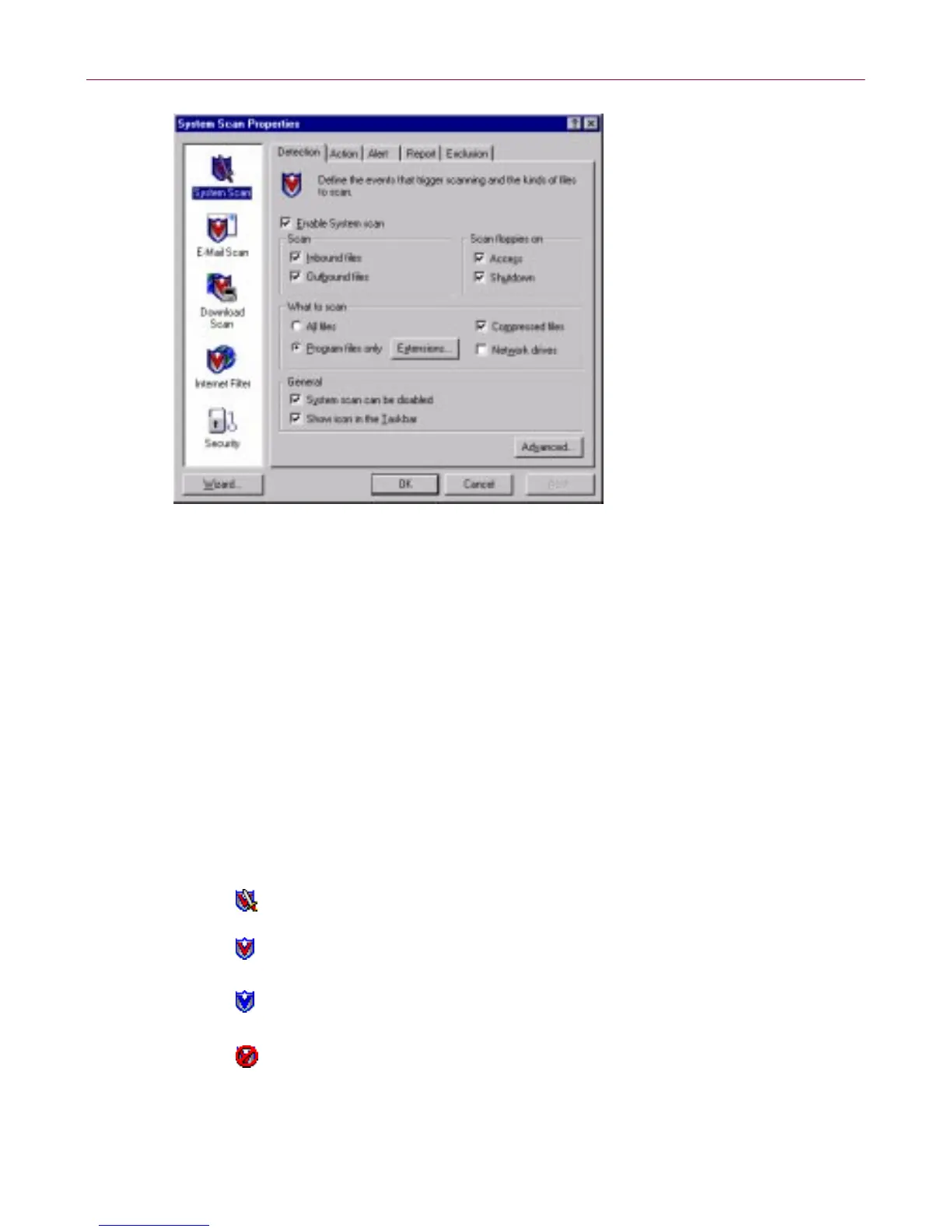
Figure 3-8. VShield Properties dialog box
2. For e ach mo dule that you want to enab le, click the corresponding ic on
alo n g t he le ft side of the dialog box, then c lick the De tect ion ta b.
3. Select the Enable checkbox at the top of each page.
Understanding the VShield system tray icon states
TheVShieldscannerd isplays fourdifferent iconstates inthe W indows system
tray to indicate which, ifa ny, of its module s are active. An active modu le is one
tha t the VShield scanne r has enable d, or loaded into memory , and that is ready
to sc an inbound and outbound f iles. An ina ct ive module is one that the
VShield scanner has disabled. Such mo dules do no t scan files.
The following table shows and describes each icon state:
This icon means that the VShield scanner has started and all VShield
modules are active
This icon means that the System Scan module is active, but one or more
of the other VShield modules is inactive
This icon means that the System Scan module is inactive, but one or
more of the other VShield modules is active
This icon means that all VShield modules are inactive



 To Next Page