User’s Guide 45
McAfee VirusScan
Depending on w hich combination of modules you enable, the VShield ico n
will display a different state.
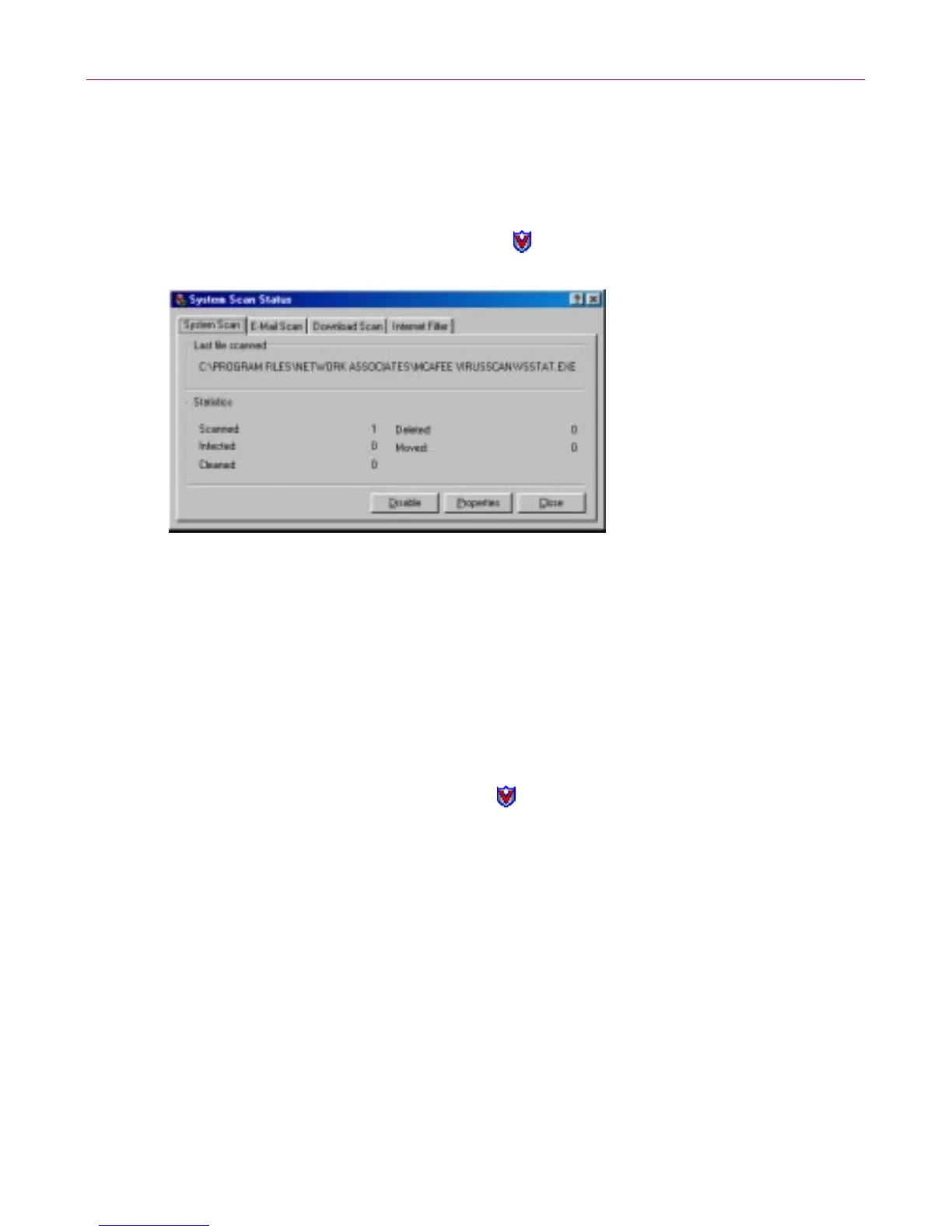
Method 2: Use the System Scan Status dialog box
Follow these steps:
1. Double -click the VS hield icon in the Win dows system tray to o pen the
System Scan Status dialog box .
Figure 3-7. System Scan Status dialog box
2. For each module that you want to enable, click the corresponding tab,
then cli ck Enable. The same button i n the property page for active
modules wi ll read Disable.
3. Click Close to close the dialog box.
Method 3: Use the VShield Properties dialog box
Follow these steps:
1. Right-click theVShield icon inthe Windows system traytodisplaythe
V Shield shortc ut menu, point to Properties, then choose System Scan
to open the VShield Pr operties dialog bo x.



 To Next Page