McAfee VirusScan
44 McAfee Office
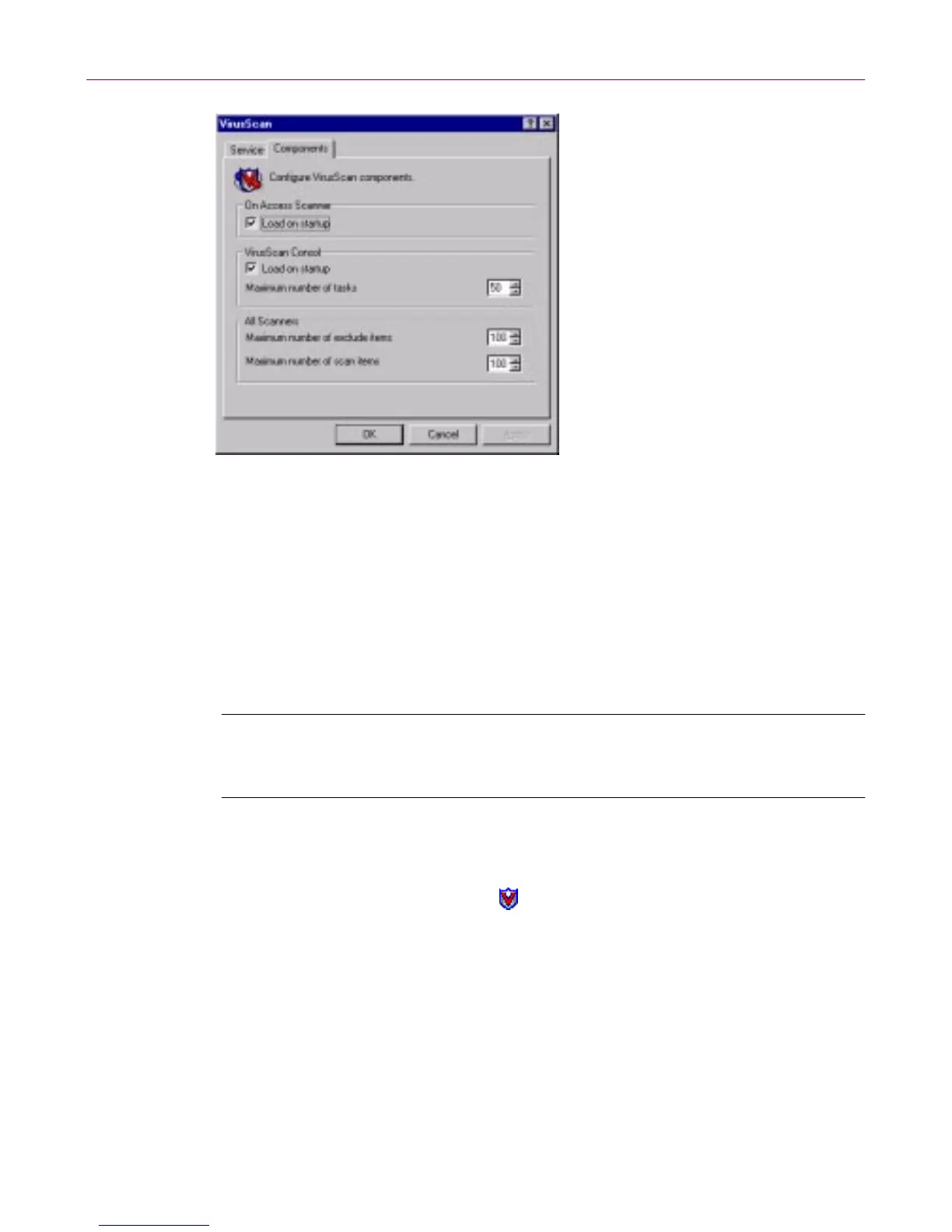
Figure 3-6. VirusScan control panel - Components page
4. Select the Load VShield on startup checkbox at the top of the
Com pon ents pro perty page.
5. Click OK to cl ose the control pa nel.
Enabling the VShield scanner and its modules
Once you hav e a ll VShie ld component s installed , you can us e a ny of four
methods to enablet hem, invarious combinations.T hree methods appear here.
NOTE: En abl ing a module means activating it and loading it into your
computer's memory for use. The VShield scanner can start and remain
active in m em ory ev en with none of its m odules enabled.
Method 1: Use the VShield shortcut menu
Follow these steps:
1. Right-click the VShie ld i co n in the Windo ws s ystem tray t o dis play its
shortcut men u.
2. Point to Quick Enable.
3. Choose one of the modul e n ames shown without a check mark. Module
names that have a check mark b eside them are active. Those without a
check m ark are inactive. If y ou use this m ethod to enable a module, it
remains enabled until you restart your VirusScan software or your
comp uter. A t that poin t, its state will depend on w hether you have
enab le d or disabled t he module in the Virus Scan Properties d ialog bo x.



 To Next Page