VM600 networking manual MAVM600-NET/E 7 - 9
Edition 9 - February 2018
Serial communications with a VM600 rack
TERMINAL EMULATION
The version.txt file displays the version information for a CPUM card. See 3.3.1 About
the version.txt file for additional information.
3- To close the displayed file, either press the F10 key (Quit) or use the pointer to click
10 Quit.
4- To close (quit) Midnight Commander and return to the terminal console (command-line
prompt), either press the F10 key (Quit) or use the pointer to click 10 Quit.
7.12Serial communications with a VM600 rack
Any operation or task that can be performed in a terminal emulation session can equally be
performed in a serial communications session (see 3 Serial communications with a VM600
rack).
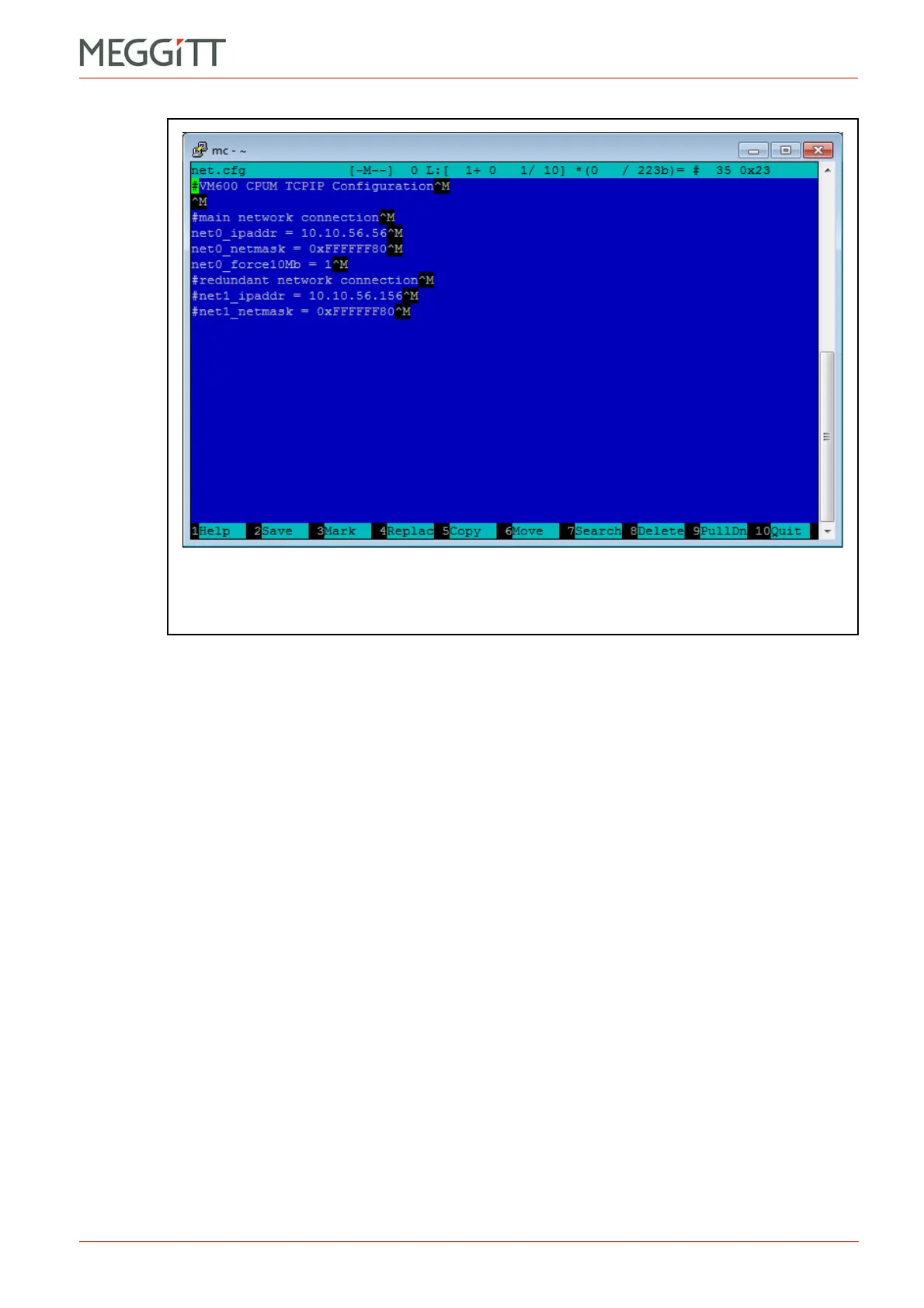
Figure 7-7: Using Midnight Commander to view a file



 To Next Page