Panel Functions 101
_________________________________________________________________________________________
_________________________________________________________________________________________
Microplex logiJET TC8 Edition 1.2
Printing the slip correction testpage
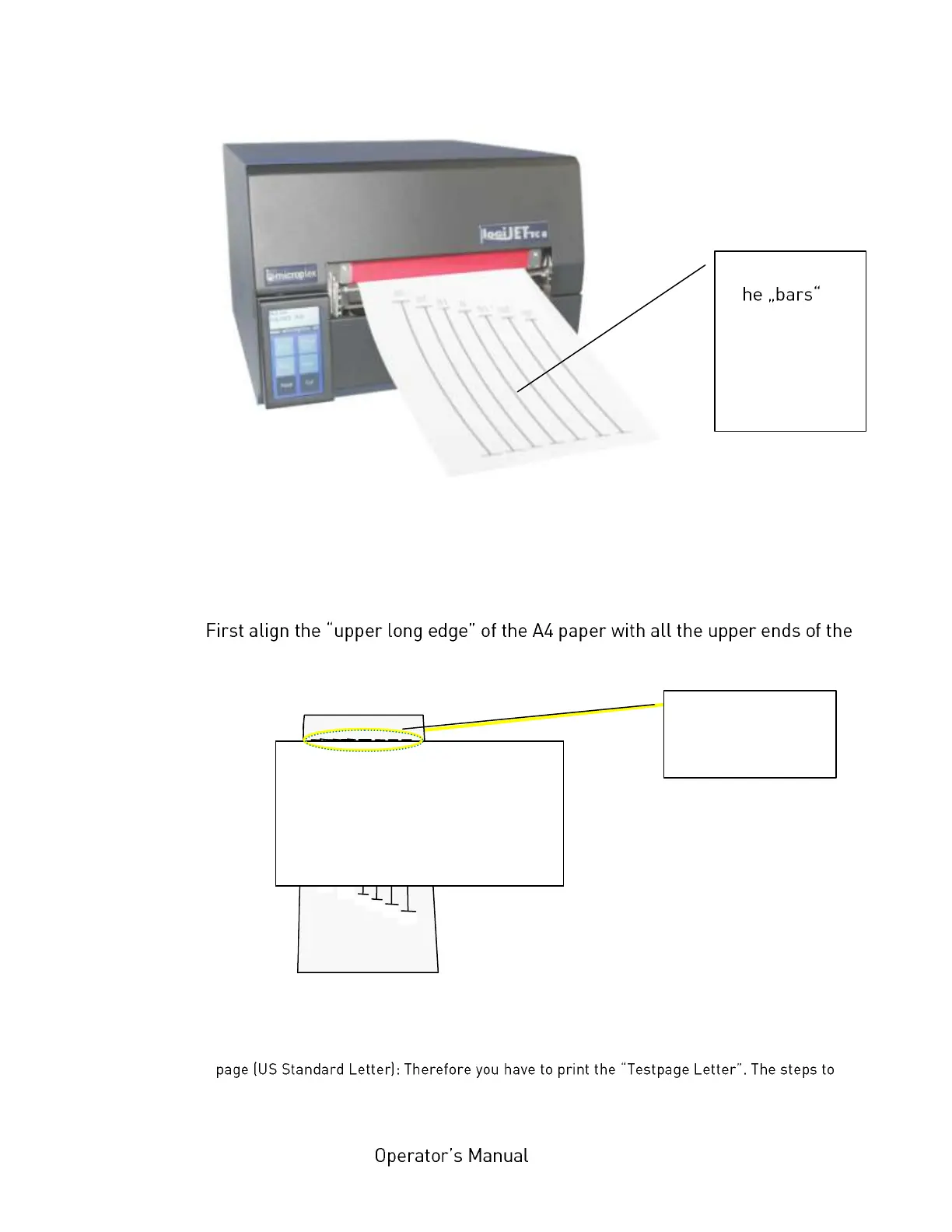
2. Put one sheet of an A4 paper
##)
onto the Testpage printout as shown in the
following figure.
3.
bars (calibrating distances) of the Test pattern.
Aligning the A4 page to the testpage
Note
##)
: If you have no A4 page (to use the A4 width 210mm for the procedure) you may use a letter
use such a letter paper (landscape, width 8.5 inch) to find the right slip correcture are the
same as described for the A4 page.
Test pattern
(T
serve to find
the right value
for the slip
correction)
Align the A4 page
to the upper ends
of the bars



 To Next Page