102 Panel Functions
_________________________________________________________________________________________
_________________________________________________________________________________________
Microplex logiJET TC8 Edition 1.2
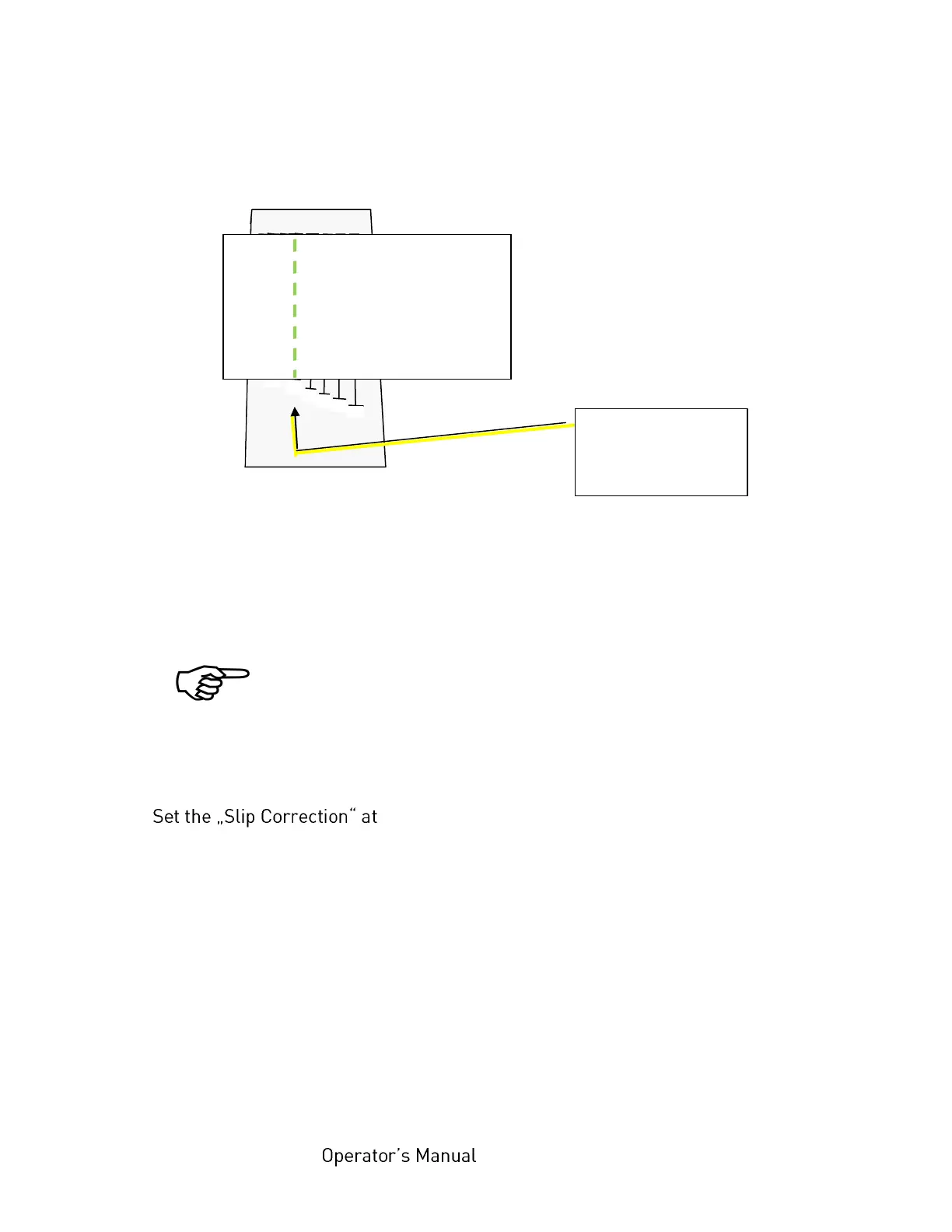
4. Now find that bar that meets the lower edge of the A4 paper best:
Finding the right value for the slip correction
5. Read the value printed under that bar (in this example -10).
If the lower paper edge is between the ends of two bars, please
interpolate (choose a value between the two relevant values).
6. the engine menu to this new value
logiJET TC8 \ Engine \ Slip Menu \ Slip Correction
In this example the slip correction setting needs to be altered by -10.
See next page.
This bar meets
the lower edge of
the A4 paper



 To Next Page