156 Operator Maintenance
__________________________________________________________________________________________
_________________________________________________________________________________________
Microplex logiJET TC8 Edition 1.2
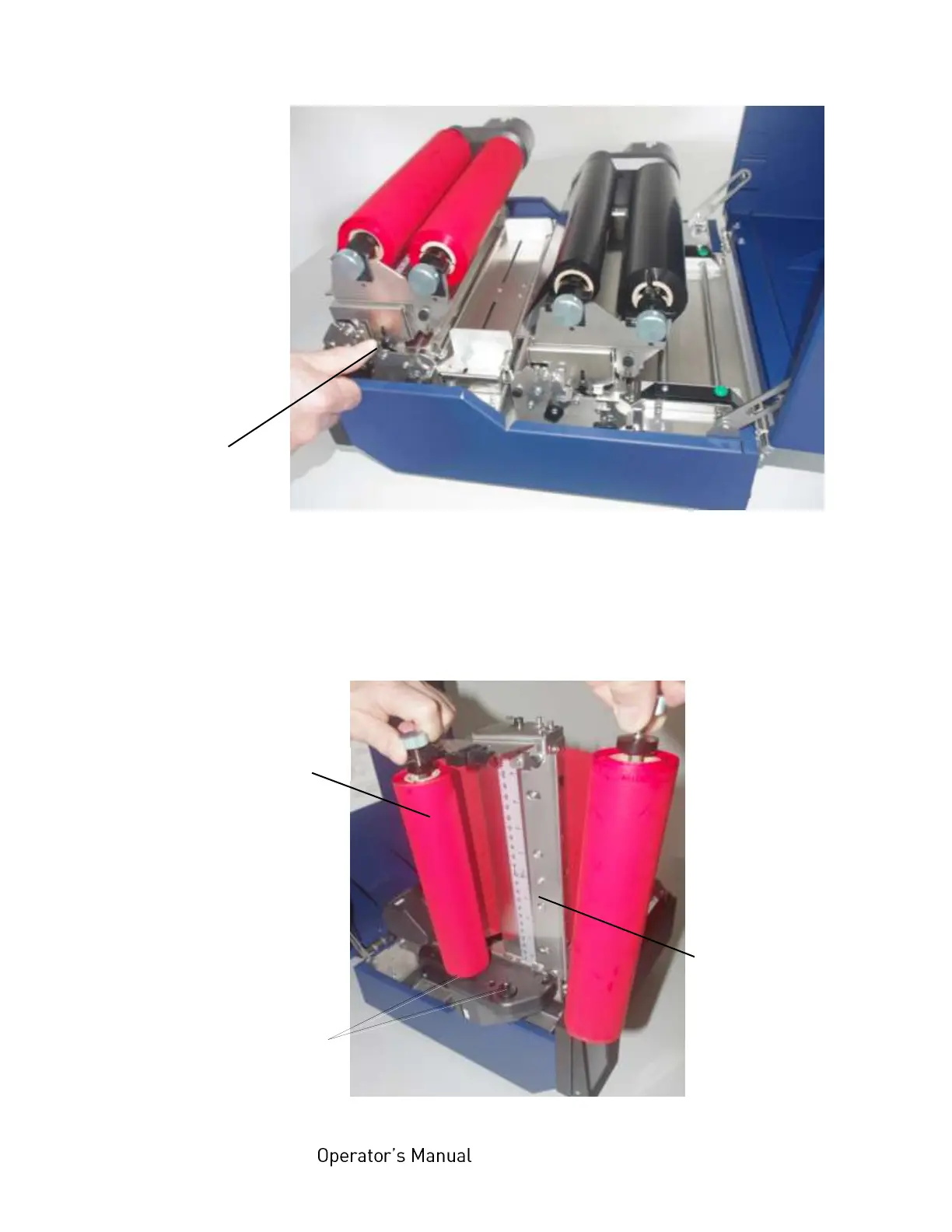
Fig. 8.1.2.a Releasing the front printhead assembly
3. Swivel the printhead assembly upward until it stops and stands
upright.
4. Take out the ribbon if one is loaded. (Refer to section 5.2.4 for
more details.)
Fig. 8.1.2.b Removing the ribbon
Printhead assembly
release lever



 To Next Page