Operator Maintenance 157
__________________________________________________________________________________________
_________________________________________________________________________________________
Microplex logiJET TC8 Edition 1.2
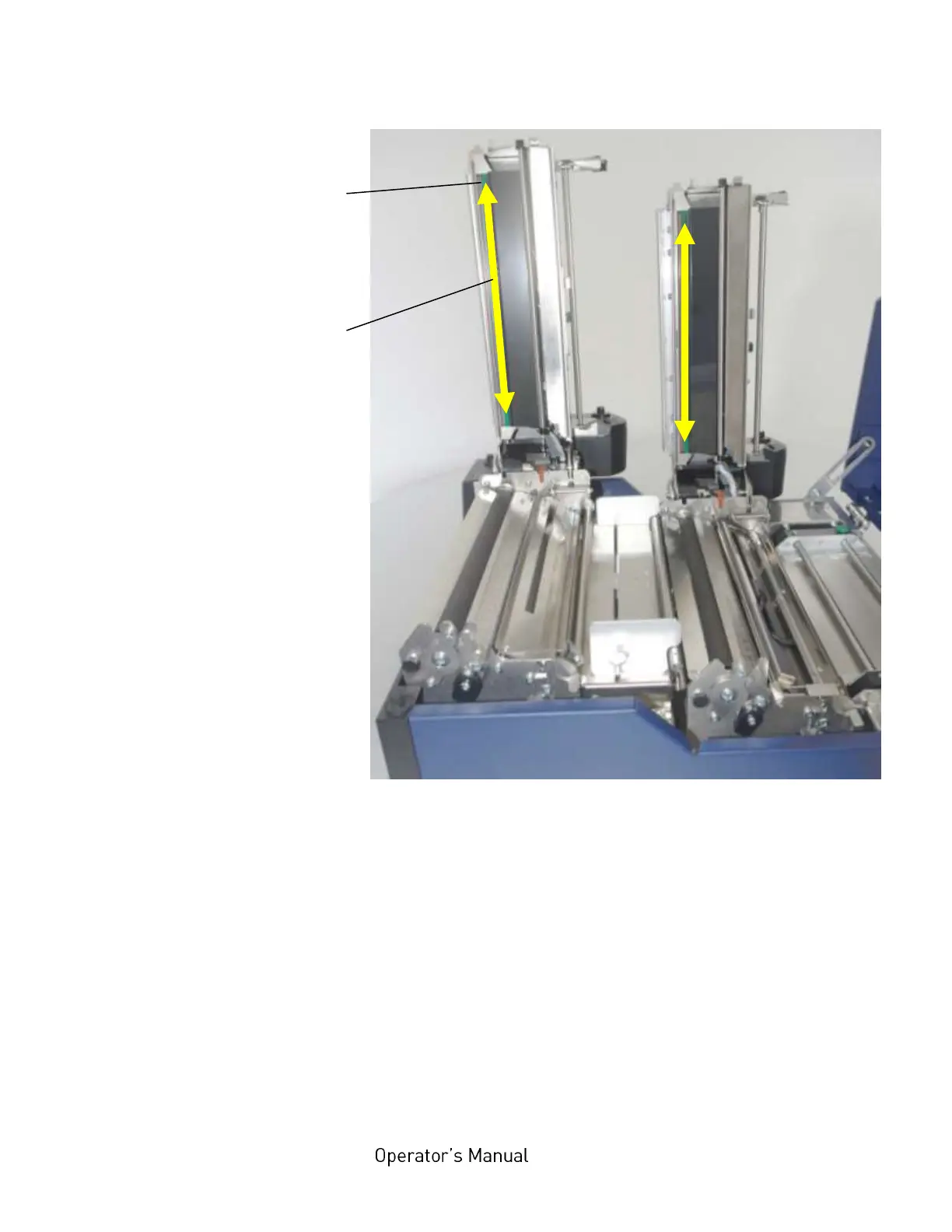
Fig. 8.1.2.c Cleaning the printheads
5. Clean the printhead using a soft, lint-free cloth or a special
cleaning pen:
Move the cloth or pen along the print area of the printhead (see
figure 8.1.2.c). This working step requires light pressure and
has to be repeated several times.
If the printhead is very dirty: Use a soft lint-free cloth, moisten
it with spirit (Ethanol) and then use it to wipe several times
along the print area of the printhead (compare figure 8.1.2.c).
Cleaning
with thermal
head cleaner



 To Next Page