164 Operator Maintenance
__________________________________________________________________________________________
_________________________________________________________________________________________
Microplex logiJET TC8 Edition 1.2
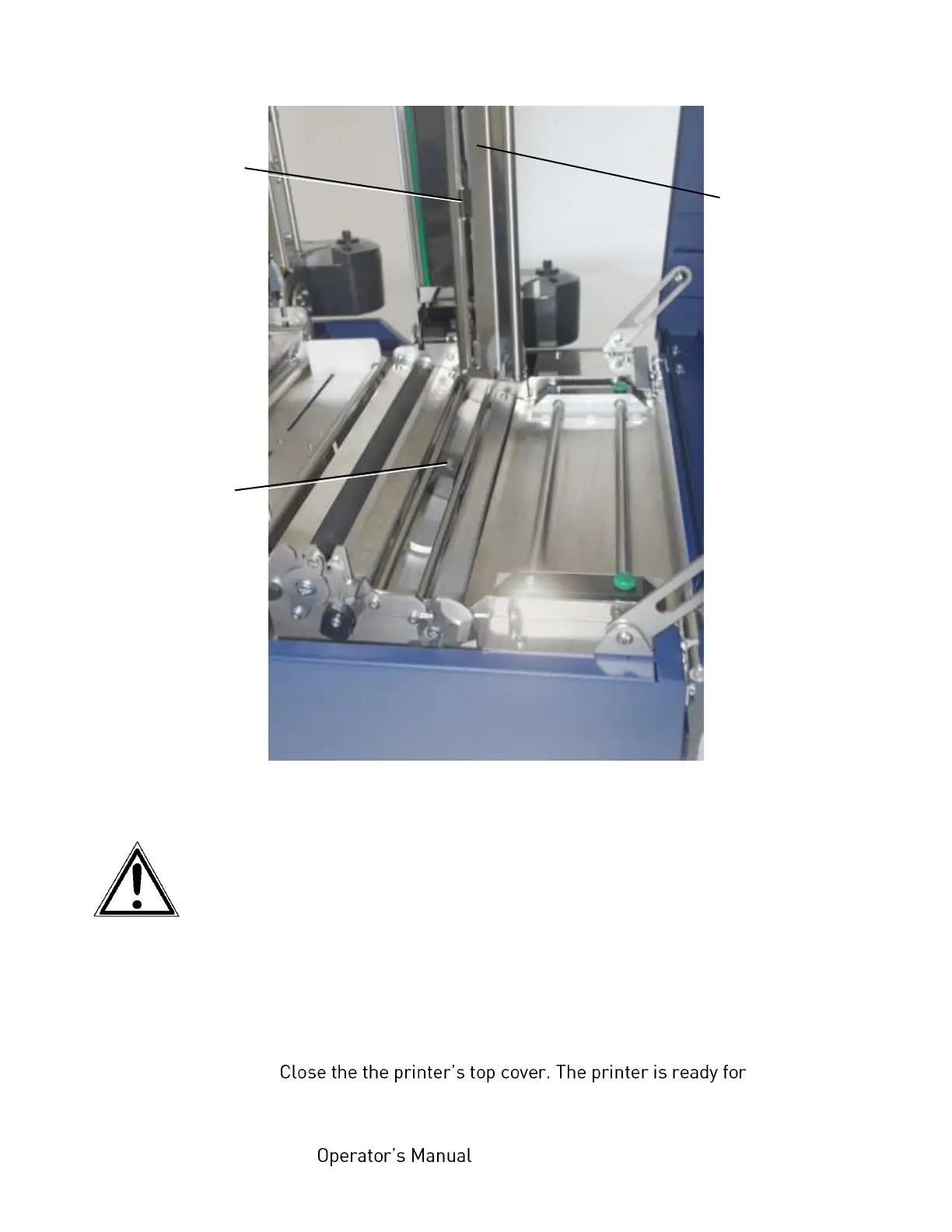
Fig. 8.1.4.c Position of Transparent sensor and Reflex sensor within the printer
5. Carefully clean the sensors with compressed air.
Do not use any sharp tools or detergents to clean the sensors!
Please pay attention to the hints given in chapter 8.1 !
6. Swivel the transparent sensor guide downward and push it down
gently until it clicks into place.
7. Swivel the printhead assembly downward and push it down
gently until it clicks into place.
8.
printing again.
Upper sensor
(Transparent
sensor)
Lower sensor
(Reflex
sensor)



 To Next Page