32 Handling of Consumables
_________________________________________________________________________________________
_________________________________________________________________________________________
Microplex logiJET TC8 Edition 1.2
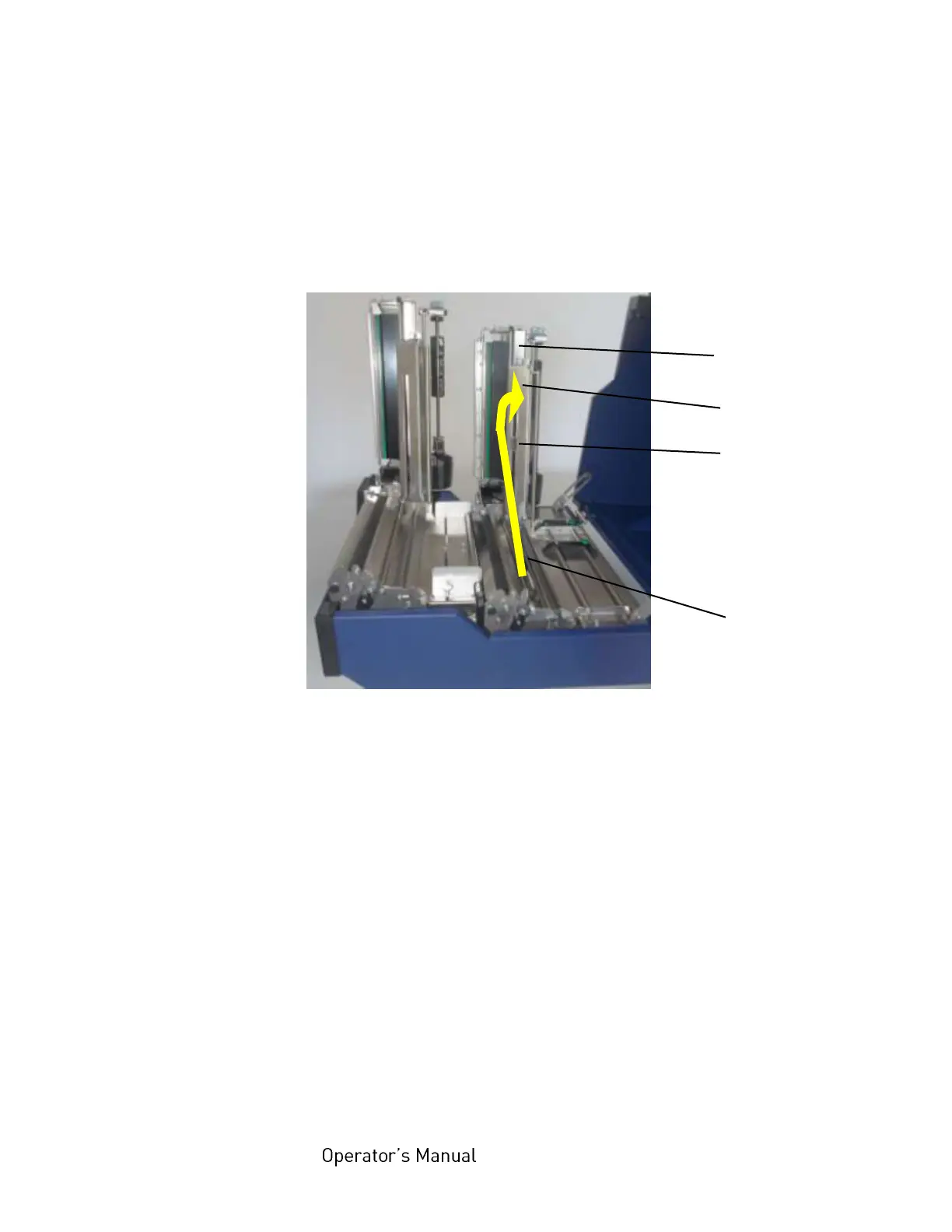
5. Unlock the rear printhead assembly by pushing the
printhead release lever and raise the printhead assembly to
a vertical position.
6. Unlock the transparent sensor guide by pushing its lever
and raise the guide until it stops.
Fig. 5.1.1.f Rear printhead and transparent sensor guide raised
7. Loosen the 2 fastening screws of the front paper guide and
adjust this paper guide to a width larger than the future paper
width.
Guide
Transparent Sensor
(Upper Sensor)
(Durchlichtsensor)
Lower Sensor
(includes the
Reflex sensor)



 To Next Page