34 Handling of Consumables
_________________________________________________________________________________________
_________________________________________________________________________________________
Microplex logiJET TC8 Edition 1.2
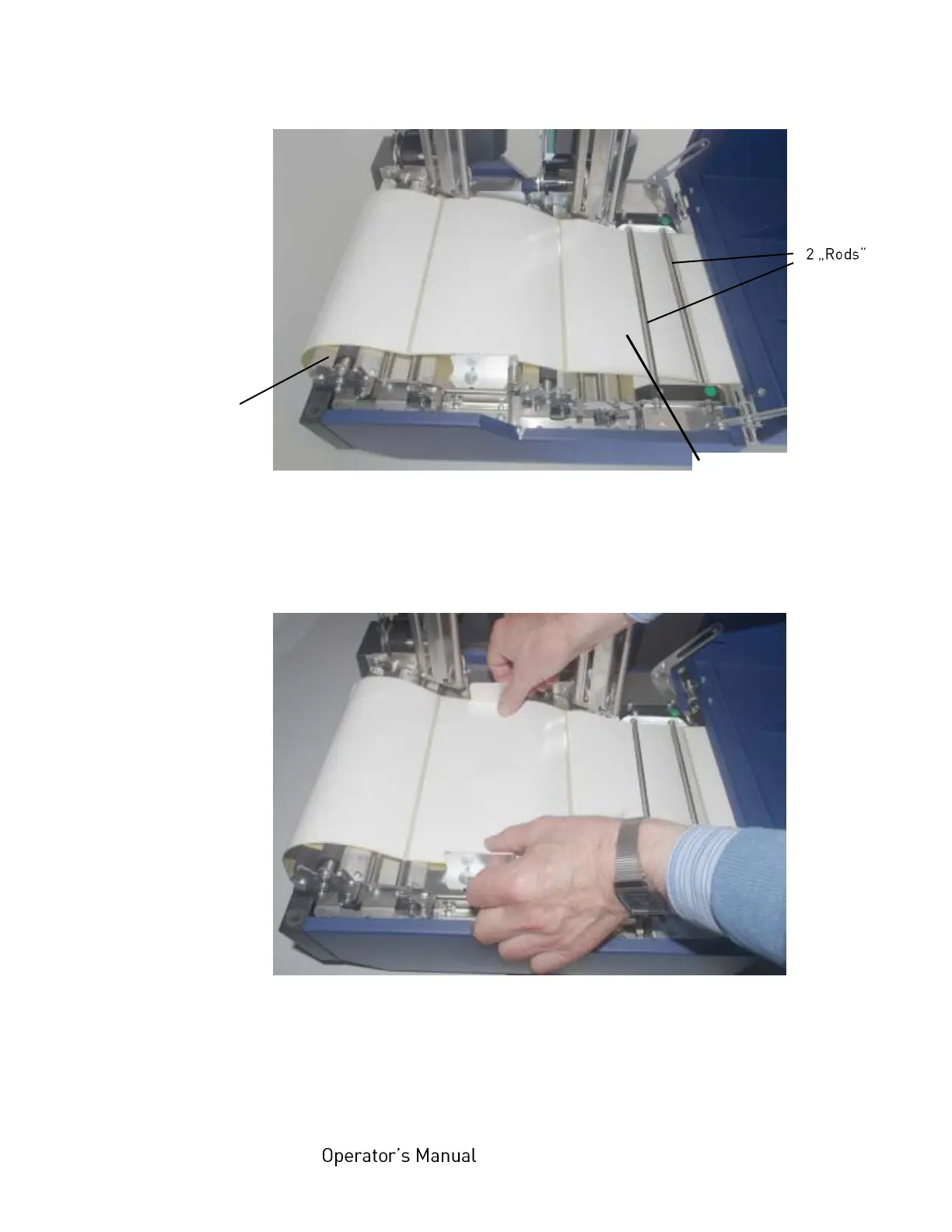
Fig. 5.1.1.h Continuous media loading
13. Move the front paper guide towards the continuous media
until the media is slightly touched.
Fig. 5.1.1.i Adjusting the front paper guide
14. Move both parts (one part after the other) of the rear paper
guide towards the continuous media until the media is slightly
touched.
Continuous media
(z-folded, e.g.)
Platen roller
of the
front print unit



 To Next Page