Handling of Consumables 35
_________________________________________________________________________________________
_________________________________________________________________________________________
Microplex logiJET TC8 Edition 1.2
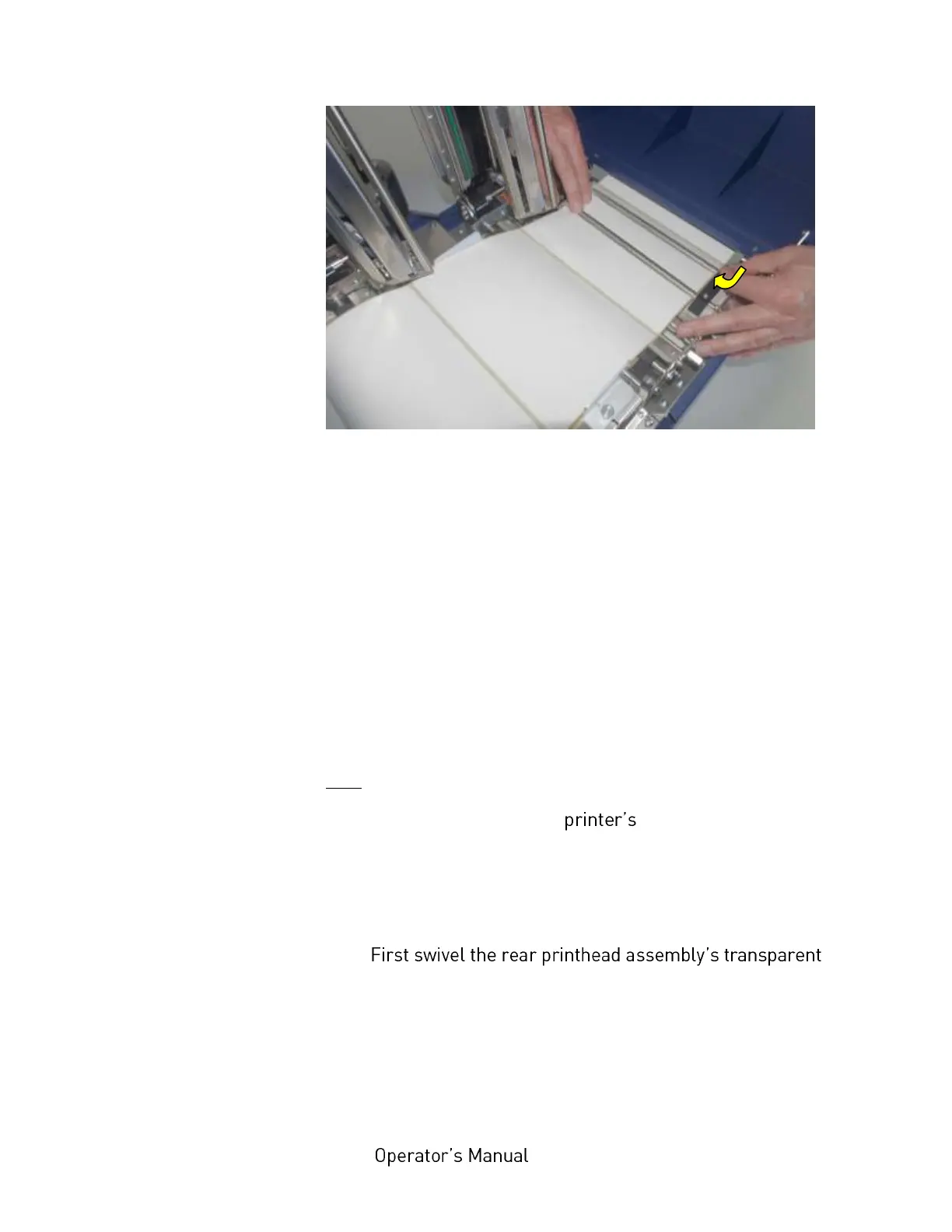
Fig. 5.1.1.j Adjusting the rear paper guide
15. Use the 2 fastening screws of the rear paper guide to fix this
positon of the guide (compare figure above and fig. 5.1.1.g).
16. Now first remove the front paper guide a little bit from the
continuous media and then use the 2 fastening screws to
fix this position of the guide.
Explanation: performing the work steps described before helps
you to use both, the front and the rear paper guide, to insert the
paper. This is useful to allow a centered and straight paper
transport.
During the print process the paper ought to be guided only by the
rear paper guide - therefore step 15 is necessary, too.
Hint: The adjustment of the sensors (for example for
media with blackmarks or punched label material) is described
in section 7.1 and section 7.2.
17.
sensor guide downward and push it down gently until it
clicks into place.



 To Next Page