36 Handling of Consumables
_________________________________________________________________________________________
_________________________________________________________________________________________
Microplex logiJET TC8 Edition 1.2
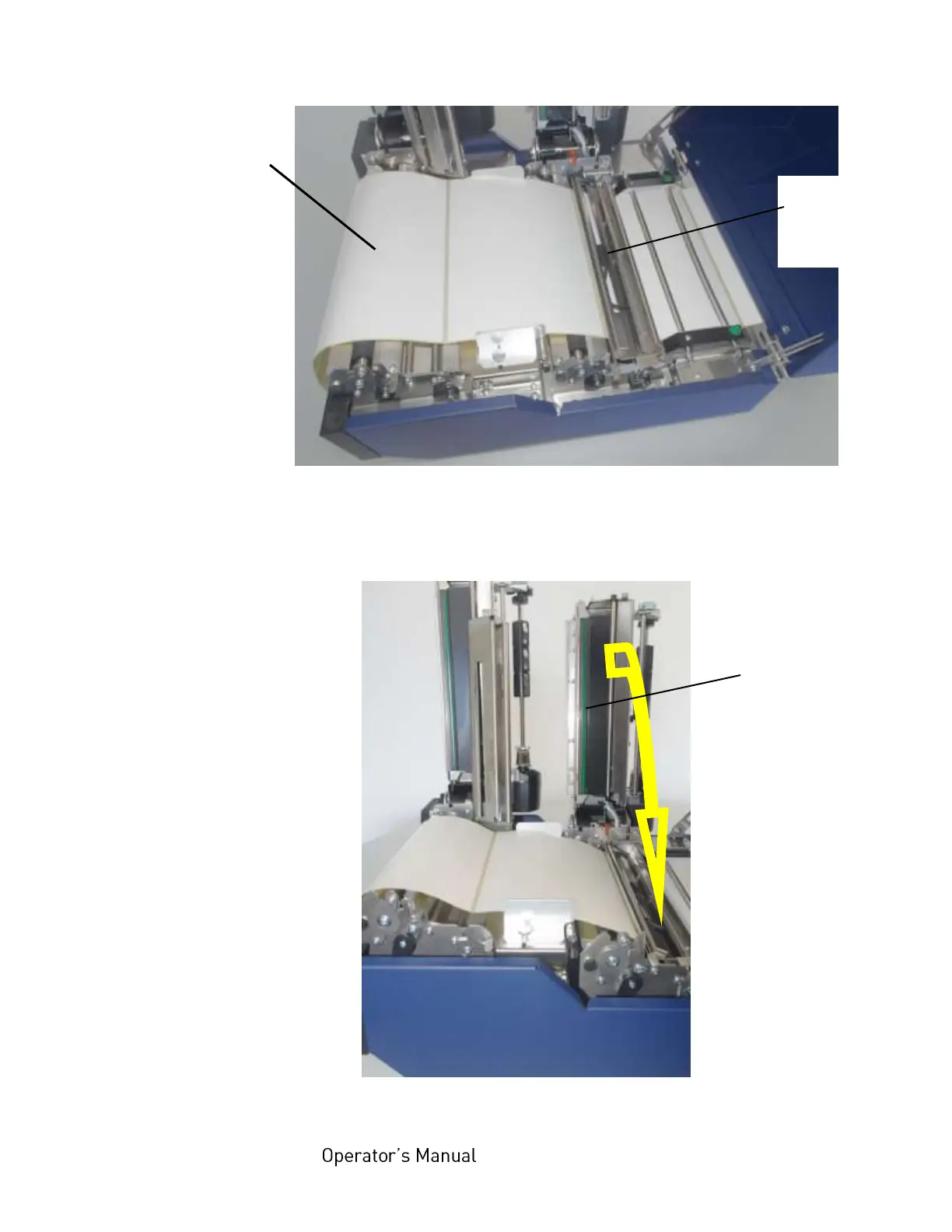
Fig. 5.1.1.k Swivelling down the transparent sensor guide
18. Now swivel the complete rear printhead assembly
downward and push it down gently until it clicks into place.
Fig. 5.1.1.l Swivelling down and locking the rear printhead
Continuous media
(z-folded, e.g.)



 To Next Page