52 Handling of Consumables
_________________________________________________________________________________________
_________________________________________________________________________________________
Microplex logiJET TC8 Edition 1.2
Fig. 5.2.2.j Swivelling the rear printhead assembly downward and locking it
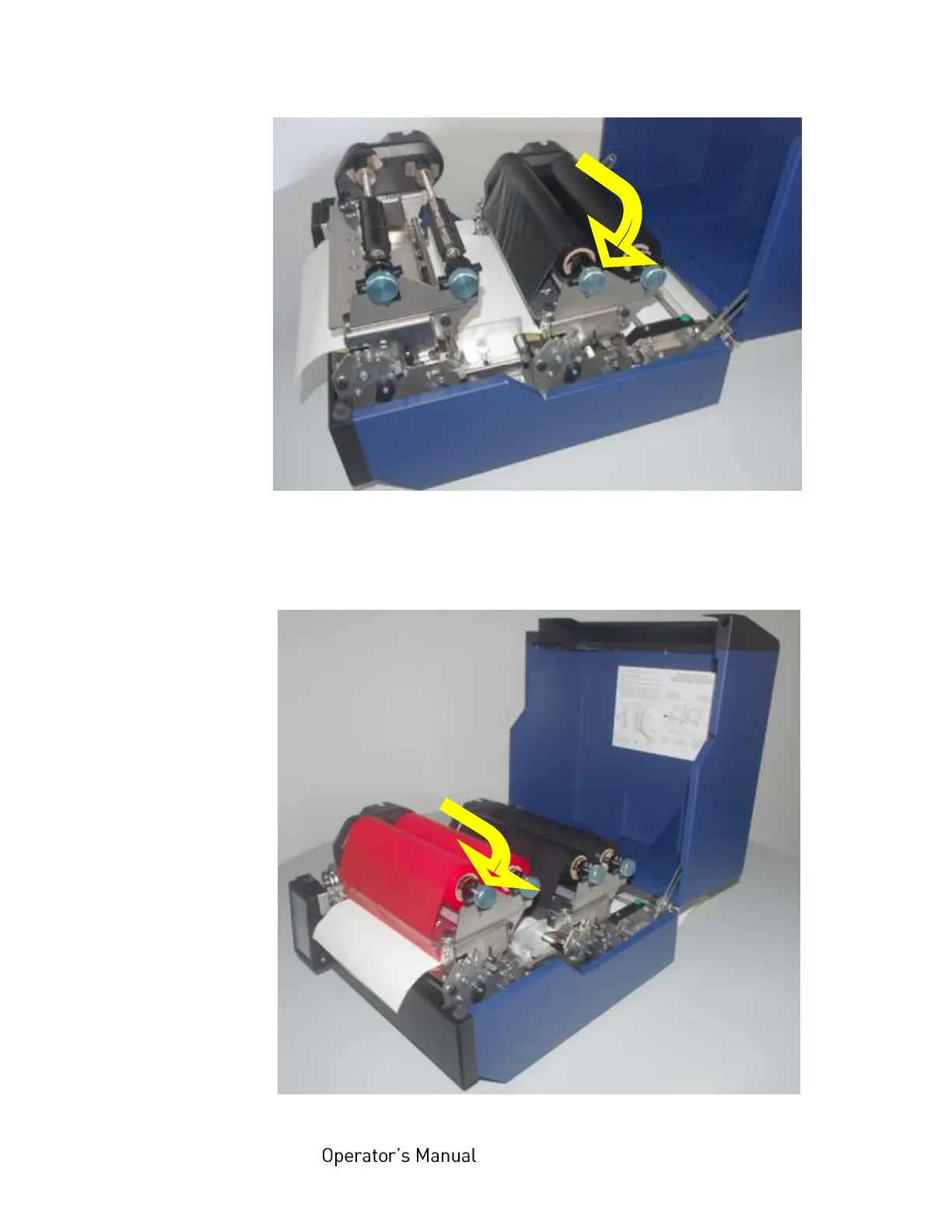
20. Repeat the work steps described above to equip the second
print unit with a ribbon, too.
Fig. 5.2.2.k Printer with ribbons installed



 To Next Page