Handling of Consumables 51
_________________________________________________________________________________________
_________________________________________________________________________________________
Microplex logiJET TC8 Edition 1.2
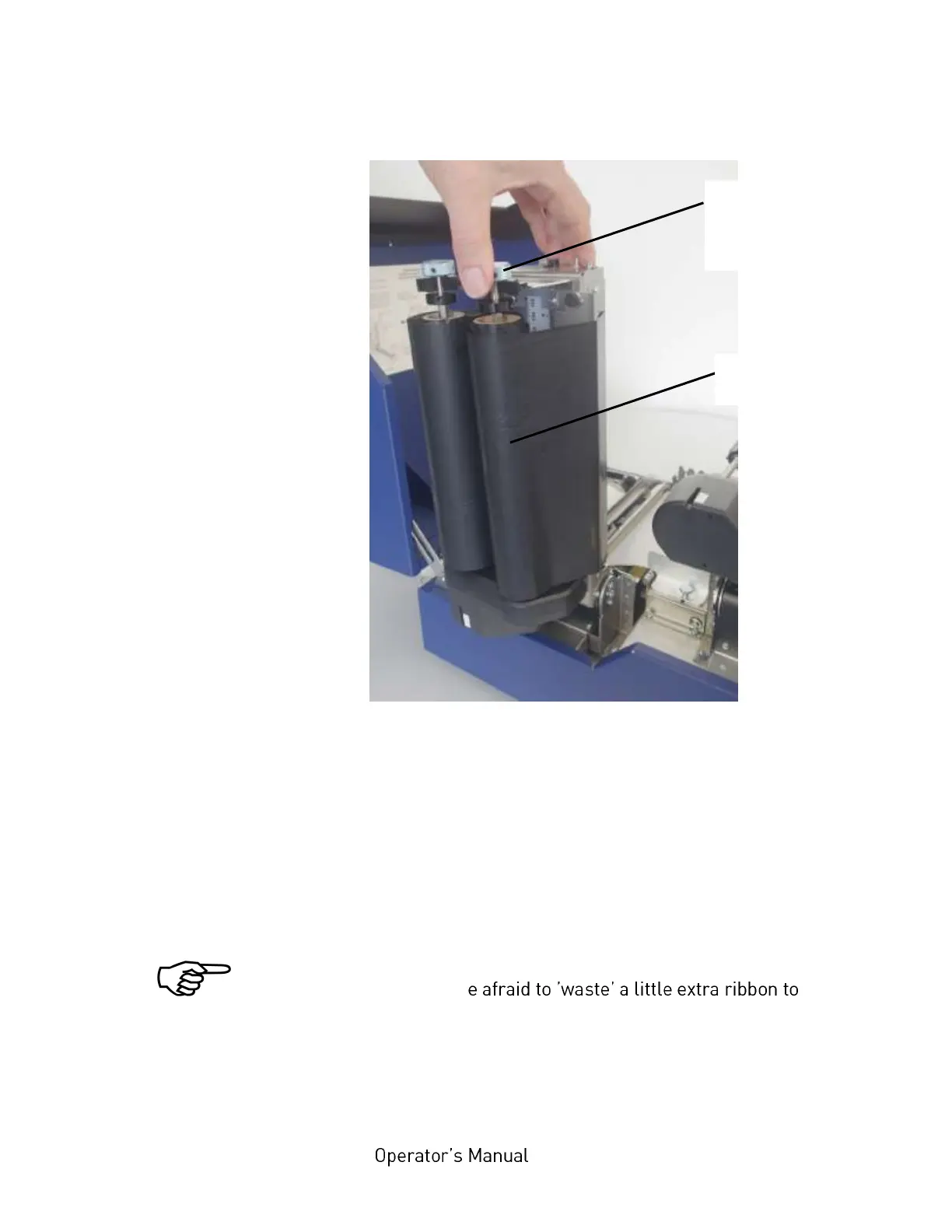
Fig. 5.2.2.i Clicking the takeup mandrel into place and
tightening the ribbon
17. Turn the knob of the ribbon takeup mandrel clockwise in
order to tighten the ribbon.
18. Check that the ribbon has no folds and is running straight.
Correct the adjustment of the ribbon guide plate, if need be.
Tauten the ribbon by turning the takeup mandrel.
Check to see that slack and wrinkles on the ribbon are removed
completely. Do not b
ensure the ribbon is running correctly and wrinkle-free.
19. Swivel the printhead assembly downward and push it down
gently until it clicks into place.
Knob of the
ribbon takeup
mandrel



 To Next Page