64 Handling of Consumables
_________________________________________________________________________________________
_________________________________________________________________________________________
Microplex logiJET TC8 Edition 1.2
Please consider that increasing the pressure value will increase the
friction between printhead, ribbon, printmedia and the platen roller,
too.
The abrasion of the concerning components (for example the
printhead surface) will be accelerated considerably due to the
increase of the pressure value.
For normal paper and labels (media with little stiffness), both
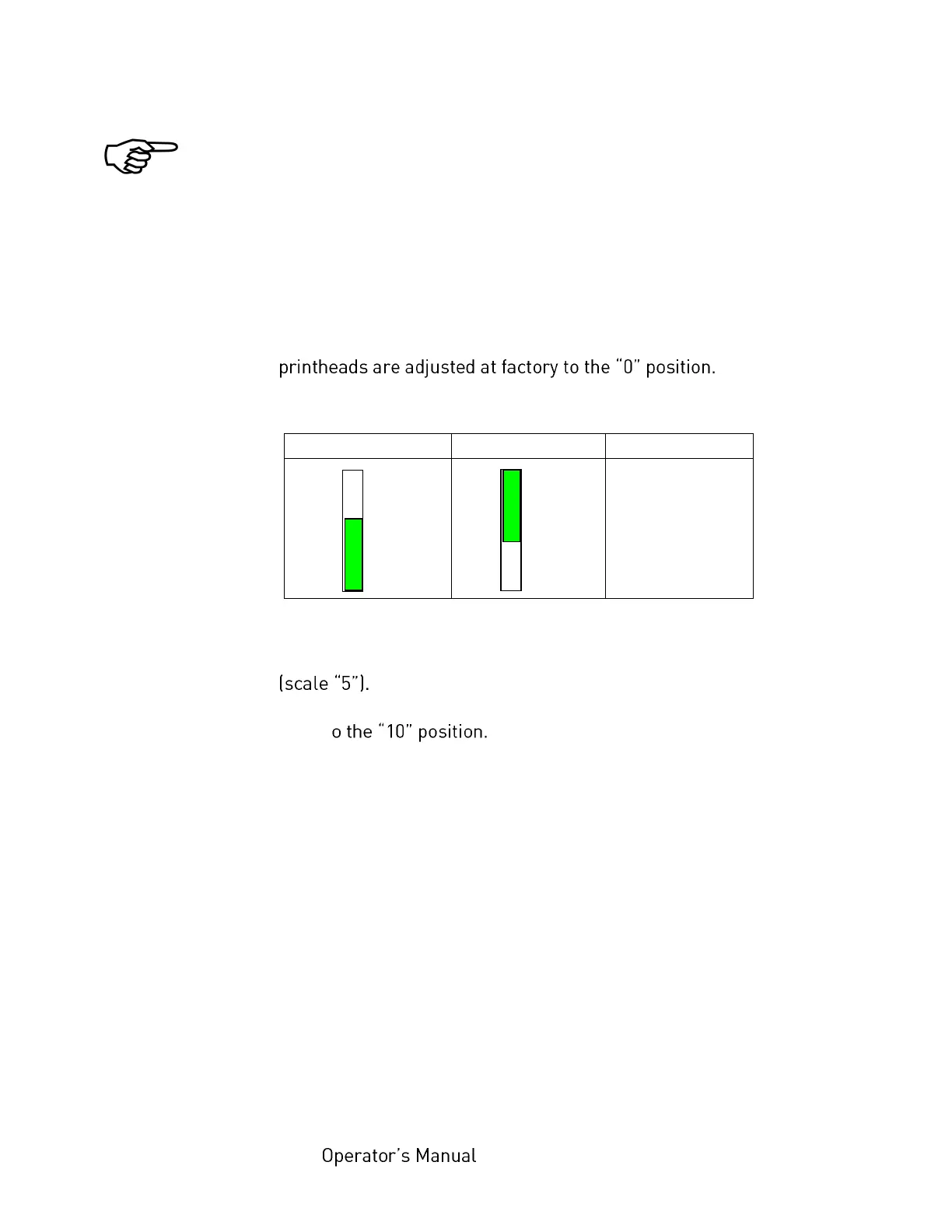
Guide to find the right printhead pressure value:
For medium thickness cards (moderate stiffness), set the
printhead adjustment lever to the middle of the range
For very thick media (stiff tags or cards), set the adjustment
lever t
Steps to adjust the printhead pressure
To change the position of the adjustment lever:
1. Loosen the small black adjuster release screw.



 To Next Page