Handling of Consumables 65
_________________________________________________________________________________________
_________________________________________________________________________________________
Microplex logiJET TC8 Edition 1.2
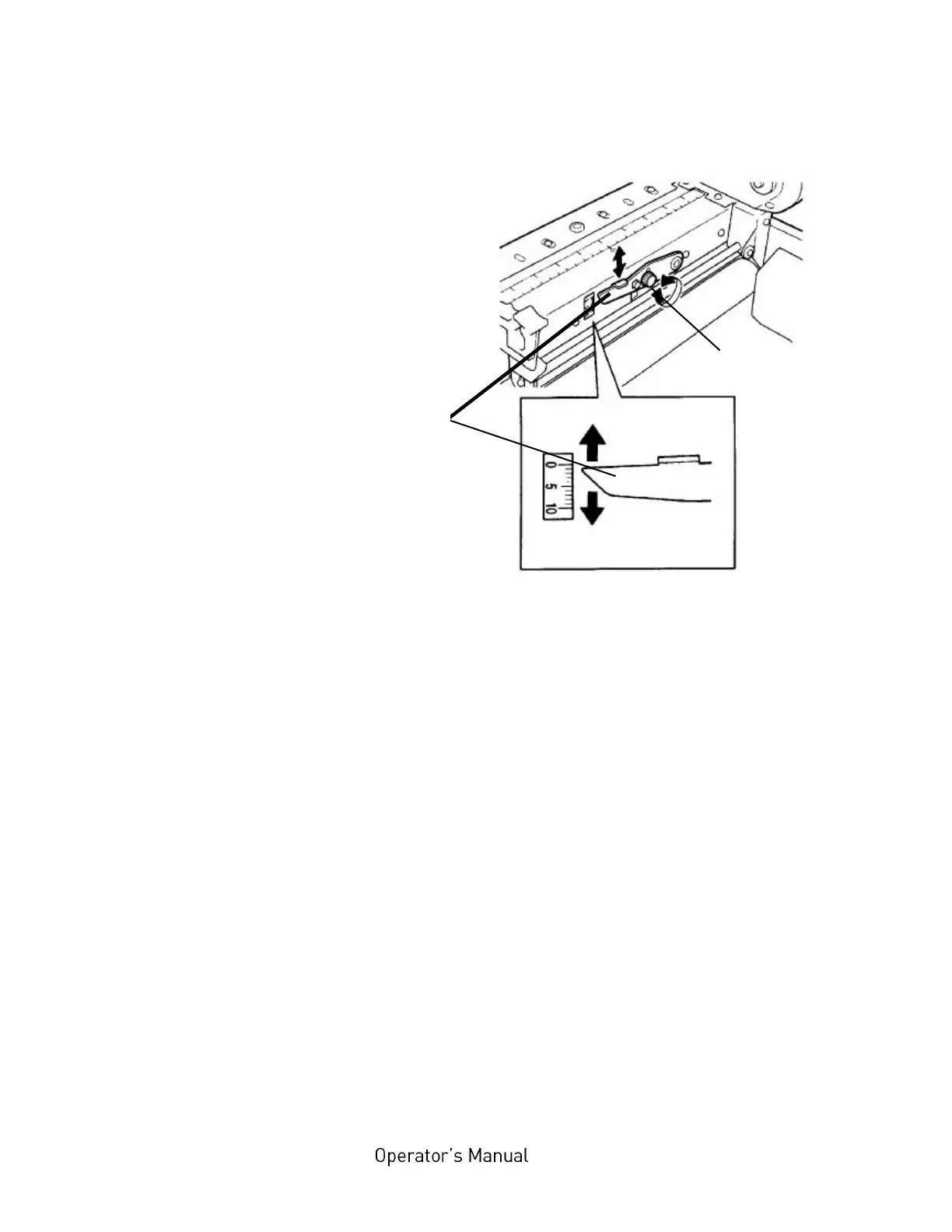
Fig. 5.3.b Adjusting the printhead pressure
2. Slide the printhead adjustment lever to the required position.
3. Re-tighten the black adjuster screw.
4. Ensure the black adjuster screw is tightened firmly to avoid it
moving in operation.
Black adjuster
release screw
Printhead
adjustment
lever



 To Next Page