86 Panel Functions
_________________________________________________________________________________________
_________________________________________________________________________________________
Microplex logiJET TC8 Edition 1.2
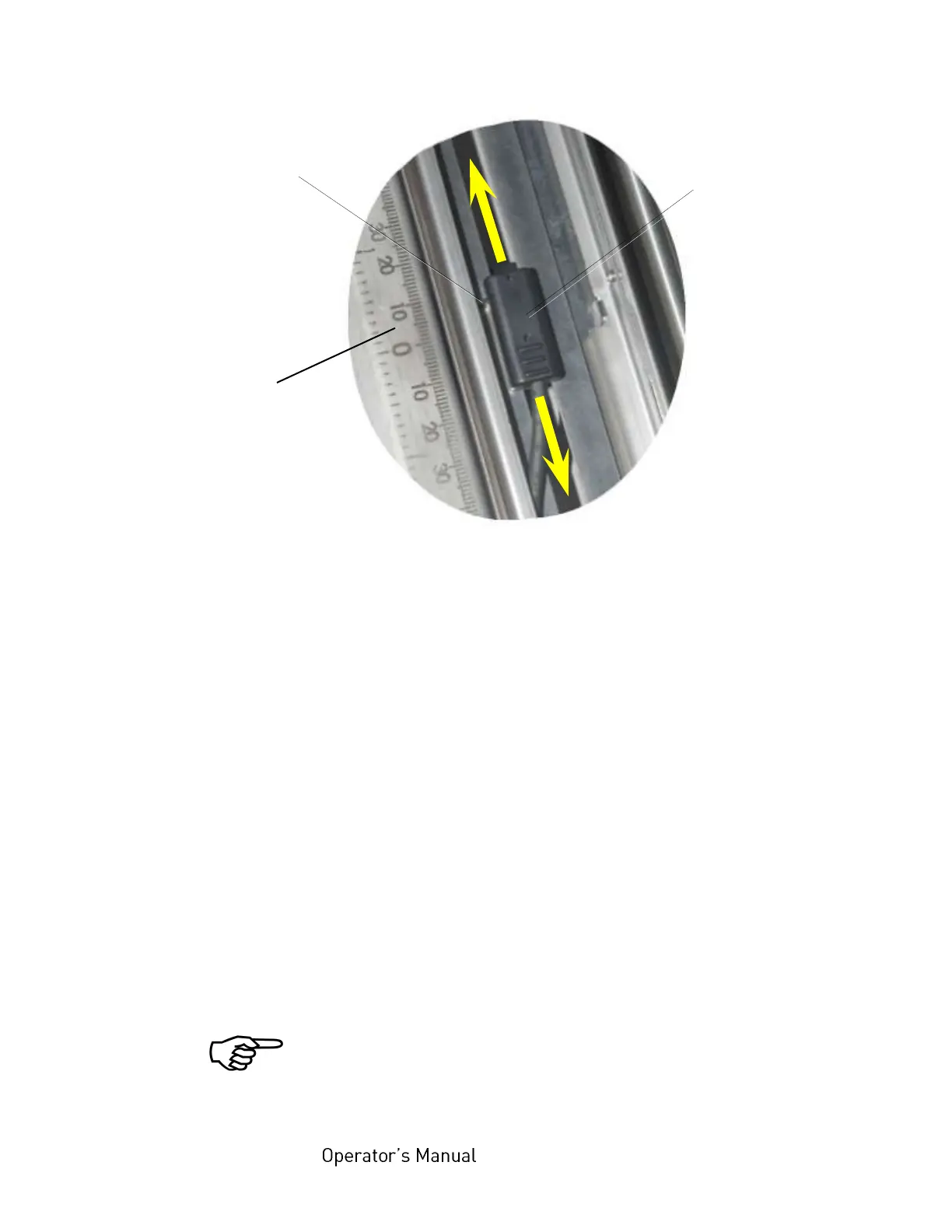
Fig. 7.2.1.e Sliding the upper sensor (transparent sensor) to the accurate position
For through-beam functionality it is important, that the Transparent
sensor and Reflex sensor are facing each other.
This can be tested as follows:
12. Take out the consumables.
13. Push the transparent sensor guide down gently until it clicks into
place.
14. Swivel the printhead assembly downward and push it down
gently until it clicks into place.
15. Use the Sensor Test panel function (in the engine menu), to
check the signal of the sensor:
After successful adjustment of the sensor positions the measured value
should be slightly above 0%. (Level without material in the light barrier).
If the measured value is not as expected: please carry out the
sensor position adjustment steps as described above once
again and carefully, before proceeding with the the following
sections.
Pointer
of the
transparent
sensor
Transparent
sensor
(upper
sensor)
Scale
on the media
guide plate of the
rear printhead



 To Next Page