Panel Functions 85
_________________________________________________________________________________________
_________________________________________________________________________________________
Microplex logiJET TC8 Edition 1.2
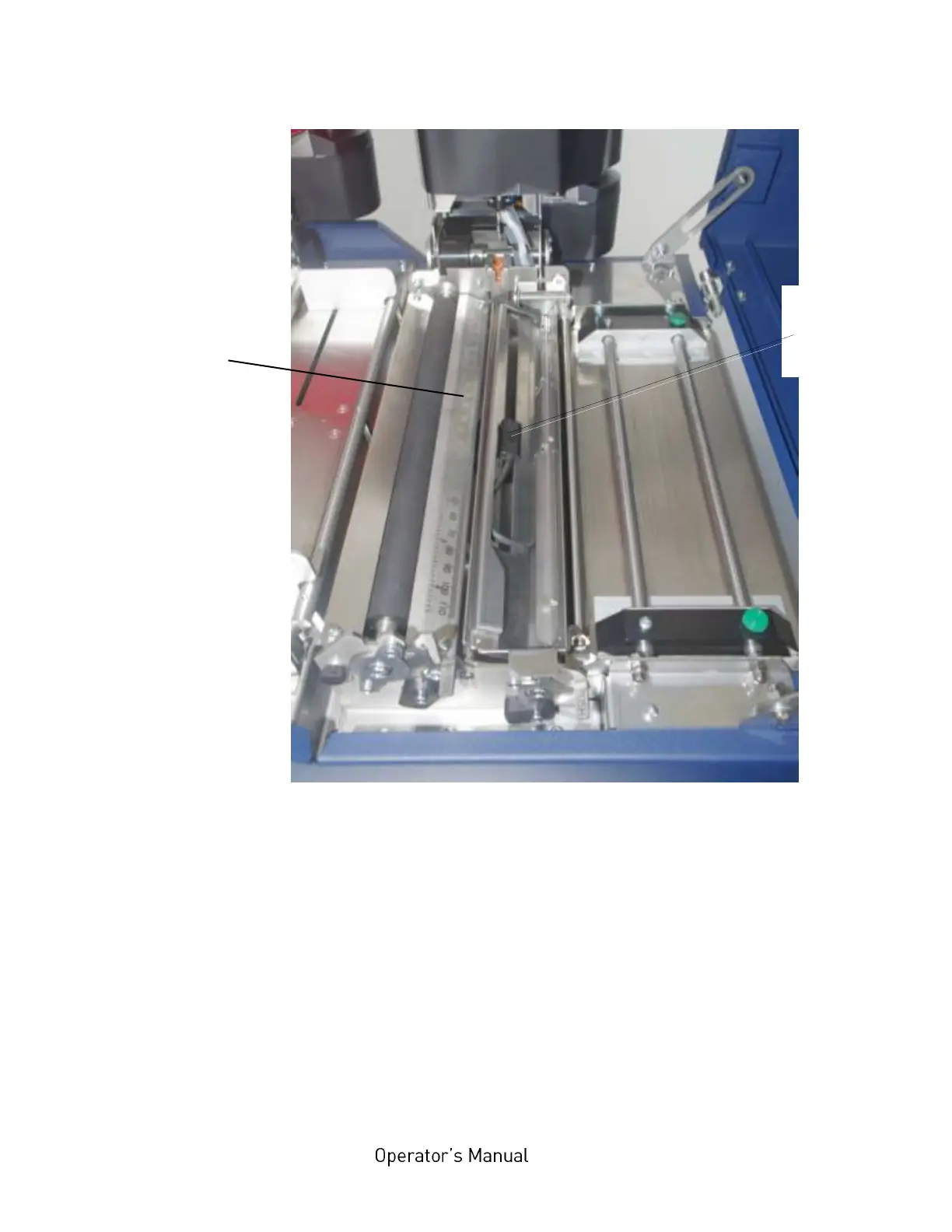
Fig. 7.2.1.d Transparent sensor guide swivelled down
11. Slide the transparent sensor to the accurate position, compare
the scale value of step 8:
Scale
on the media
guide plate
of the rear
printhead



 To Next Page