8 Settings via the MICT
Rev. 03/2019 153
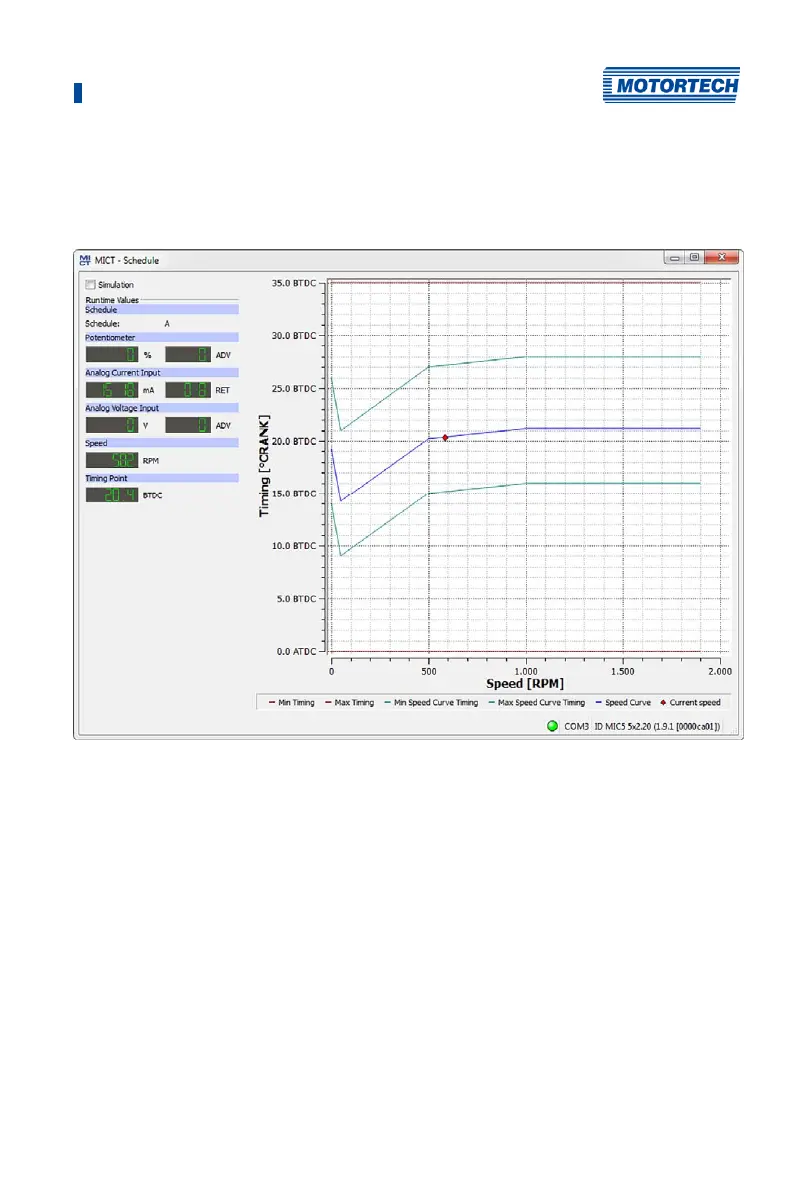
8.16.2 Schedule Curve – Runtime Values
If the checkbox Simulation is unchecked, the Schedule curve window switches to the current
runtime data.
The following information is provided:
– Schedule
Displays the currently selected schedule.
– Left column: Potentiometer, Analog Current Input, Analog Voltage Input
Displays the new calculated adjustment values for the potentiometer, current and voltage
input.
– Right column: Potentiometer, Analog Current Input, Analog Voltage Input
Display of values supplied by the ignition controller for the potentiometer, current and
voltage input.
– Speed
Display of the current speed
– Timing Point
Displays the current global ignition timing.



 To Next Page