8 Settings via the MICT
84 Rev. 03/2019
8.10.1 Create, Open, Save
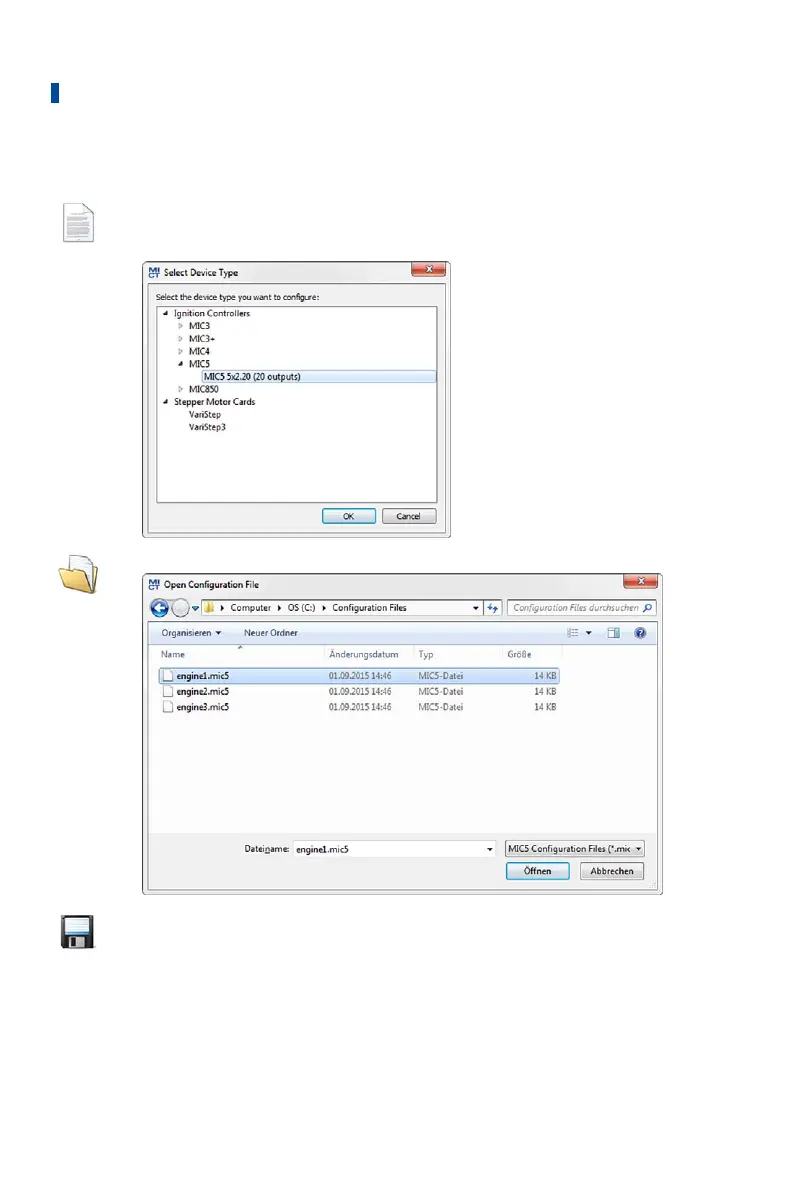
Click on the symbol to create a new configuration and select the corresponding
device type. The device type corresponds to the first five digits of the
arrangement number, which you can find on a label on your device.
Click on the symbol to open a saved configuration.
Click on the symbol to save the configuration currently displayed in the MICT to
a storage device.



 To Next Page