9 Visualization
Maschinenfabrik Reinhausen GmbH 2020 2876385142/08 EN ETOS
®
ED
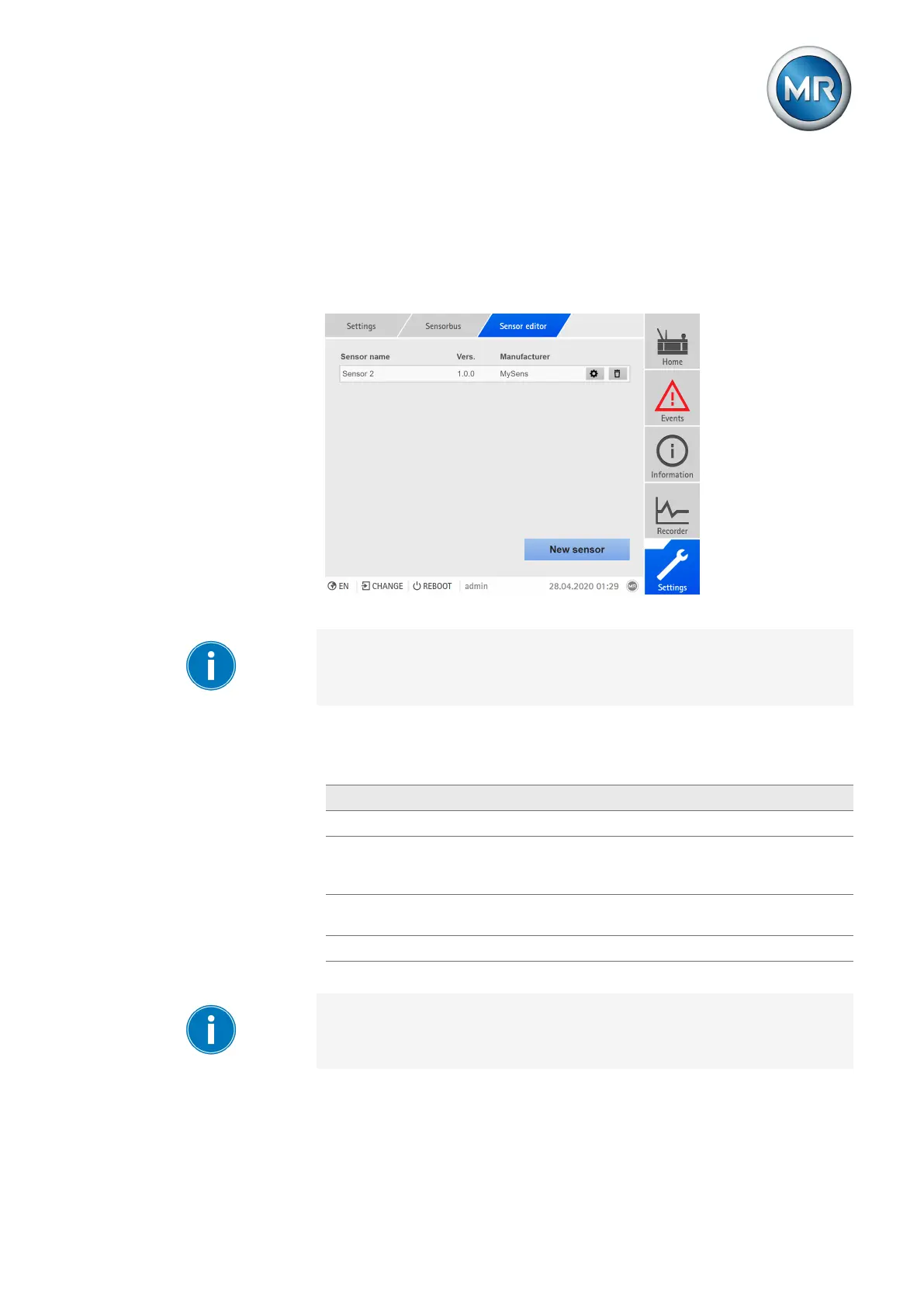
The sensor editor shows you an overview of the defined sensors:
▪ Name
▪ Version
▪ Manufacturer
You can add, edit or delete sensor definitions.
Figure213: Sensor editor
Incorrect configurations can cause unwanted device behavior. Ensure that
the sensor configuration is performed only by specialists with knowledge of
the overall system and use the two-man rule for reviewing the configuration.
Adding a sensor definition
You have to set the following values to add a sensor:
Value Description
Sensor name Entry field, max. 20characters
Sensor version Format: X.Y.Z (e.g. 1.5.2), used together with the sensor
name to provide unique identification of the sensor in the
sensor management menu.
Sensor manufacturer
(optional)
Entry field, max. 15characters
Data points Configuration of the sensor data points
Table88: Adding sensors
The operation described below is only possible if you access the visualiza-
tion using a computer. You must also have a Parameterizer or Administrator
user role.
Proceed as follows to add a sensor:
1. Go to Settings > Sensor bus > Sensor editor.



 To Next Page