9 Visualization
Maschinenfabrik Reinhausen GmbH 2020288 6385142/08 ENETOS
®
ED
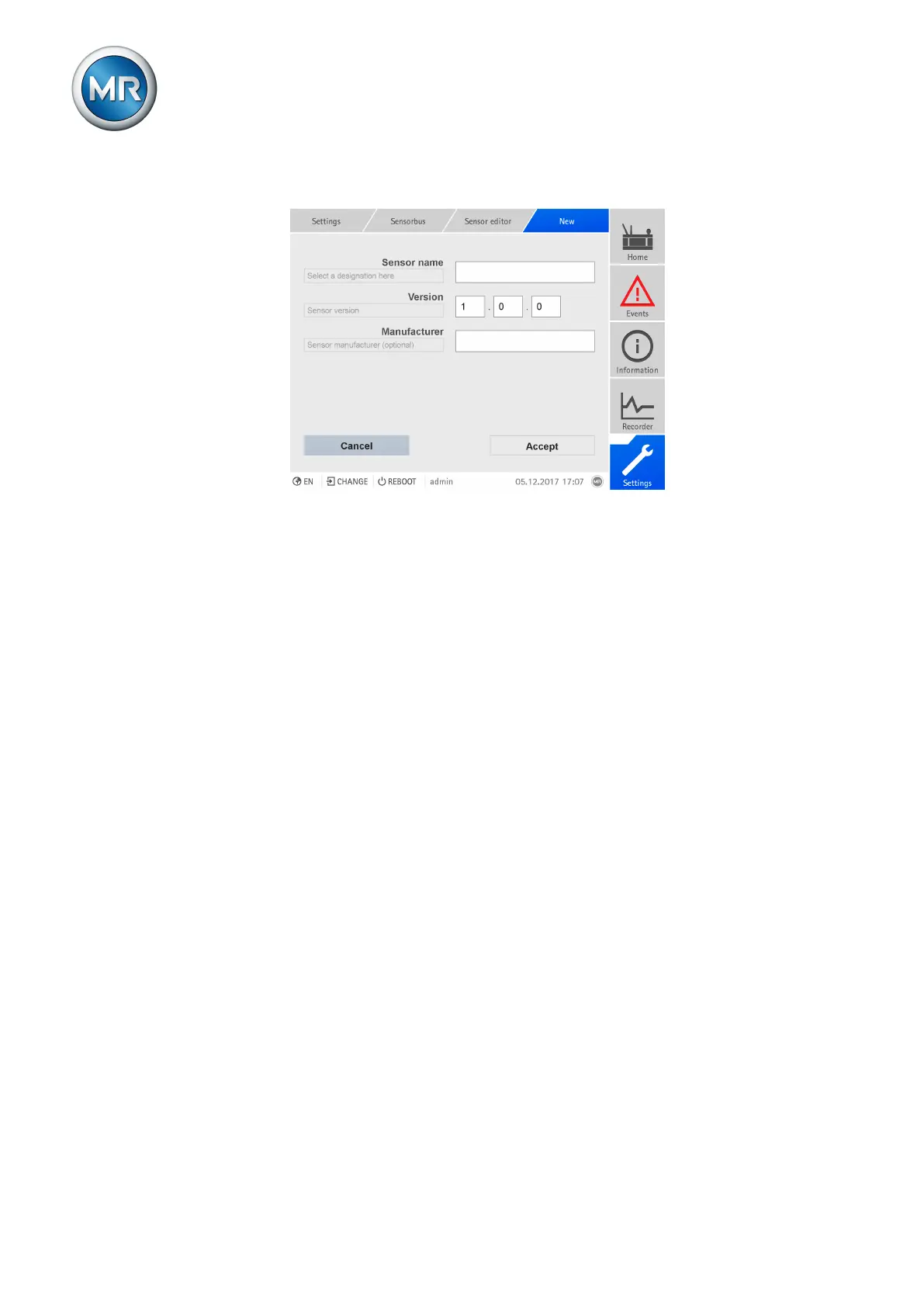
2. Press the New sensor button.
Figure214: Defining a new sensor
3. Enter the sensor name, sensor version and sensor manufacturer (op-
tional).
4. Press the Accept button to save the settings and configure the data
points.
Configuring data points
You must set the following values to configure a data point:
▪ Type
– IREG: Input register (analog input)
– DISC: Discrete input (digital input)
– HREG: Holding register
– COIL: Digital input/output
▪ Register
▪ Description
▪ Byte order
– Little-endian
– Big-endian
▪ Data type
▪ Multiplier (only with IREG or HREG)
▪ Optional: Validation (only with IREG or HREG)
– DISC or COIL for validation designation
– Minimum and maximum permitted value of the sensor (based on the
raw value determined by the sensor, setting range dependent on the
data type)



 To Next Page