FS
19
Innovation. Quality. Performance. Best in Industry. Worldwide.
Restarting GenV Lasers after E-Stop
Operators may accidentally or intentionally press the Emergency Stop (E-Stop) to immediately end any
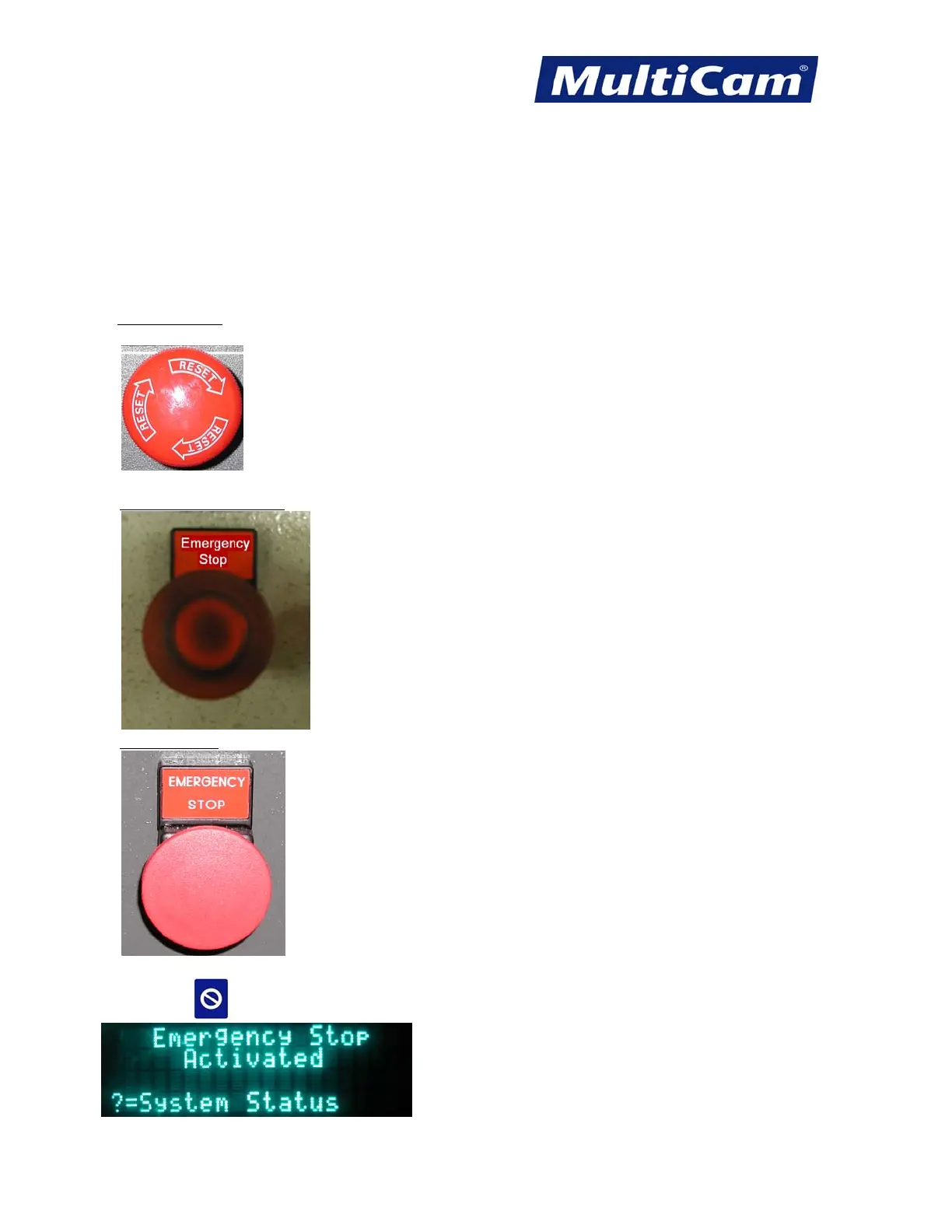
operations on the laser. Located on the keypad as well as the operator station and the side of the gantry, the
E-Stop will power down the laser head, close the shutter, and remove power from the servo and stepper drives.
Operators may restart the laser after the E-Stop has been pressed by following these instructions:
1. Reset the E-Stop.
a. Keypad E-Stop
- Rotate the knob clockwise until it pops up. The arrows on the knob also indicate the correct
direction for resetting the E-Stop.
b. Operator Station E-Stop - Pull the Emergency Stop knob.
c. Gantry E-Stop - Pull the Emergency Stop knob.
2. Press Cancel
to exit the Emergency Stop screen.
Routers * Lasers * Plasma * WaterJets * Knife Cutters
www.MultiCam.com v. 11 10



 To Next Page