FS
20
Innovation. Quality. Performance. Best in Industry. Worldwide.
3. Press Shift and Go Home to find the Hard Home 0,0 or the Machine Home by indexing the gantry,
carriage, and Z assembly off of the proximity limit switches. This process may take a few minutes.
4. Move to the operator station.
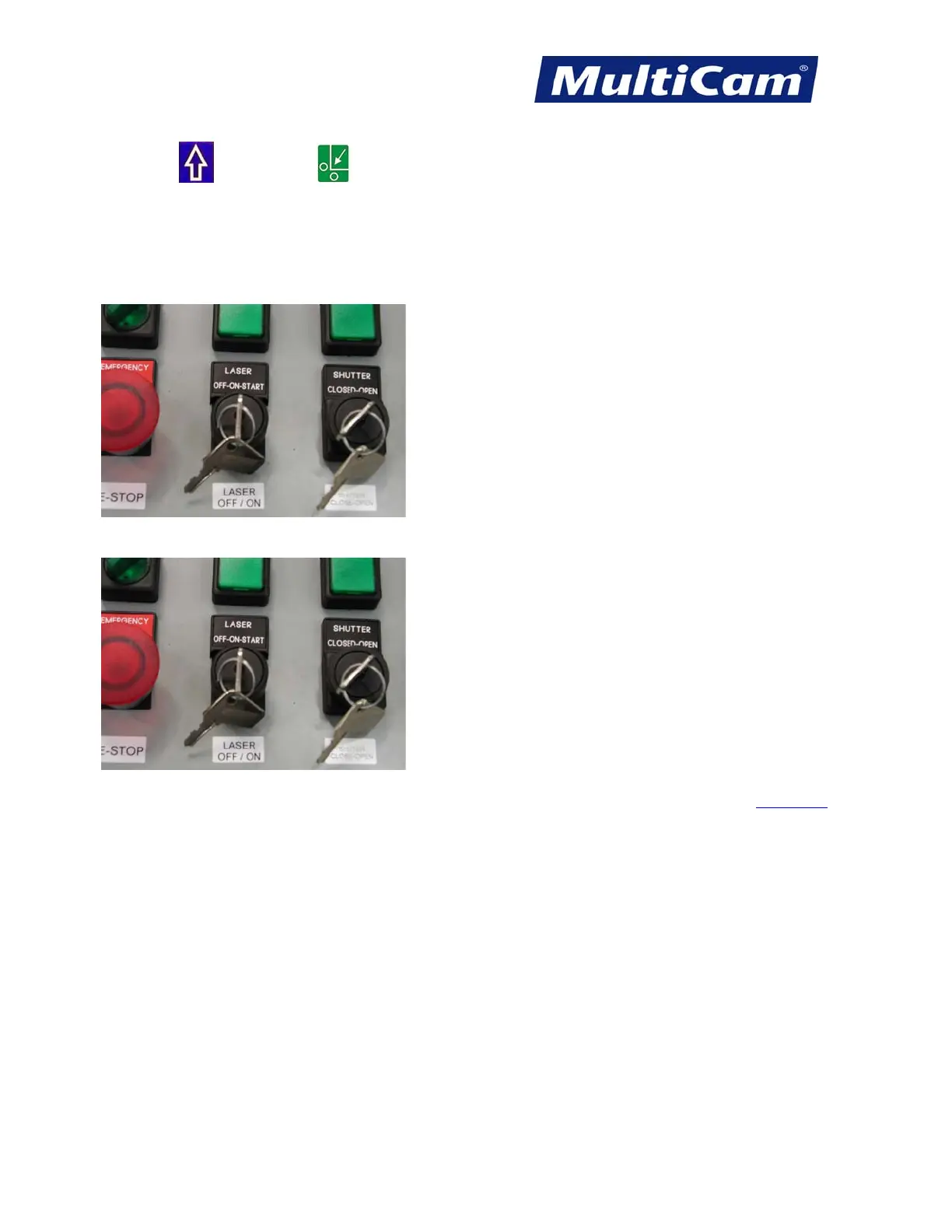
5. Rotate the Laser key fully clockwise to start the machine. The key will automatically move back to the ON
position when released.
6. Rotate the Shutter key clockwise to open the shutter.
7. Resume operation.
Fast Starts
Routers * Lasers * Plasma * WaterJets * Knife Cutters
www.MultiCam.com v. 11 10



 To Next Page