5 Menu Key
122 Pulse Laser Station NPL-302 Series Instruction Manual
3.
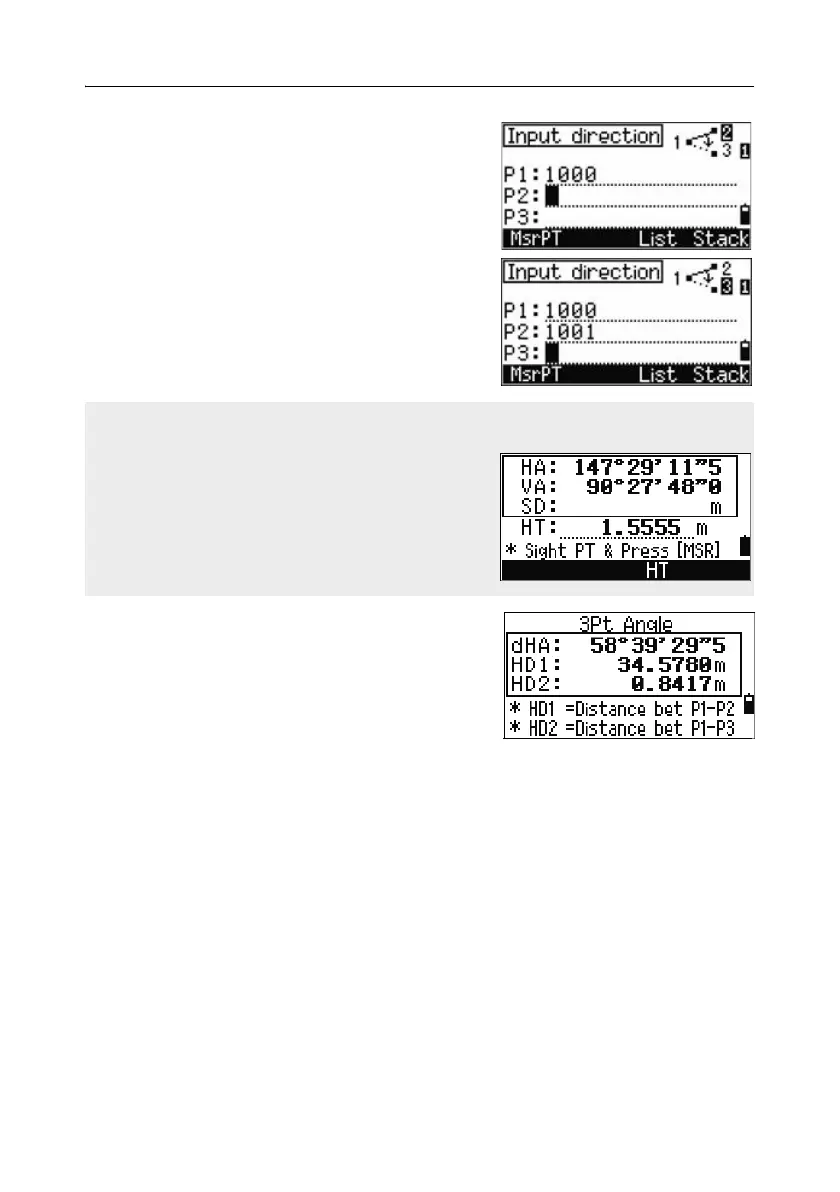
Enter the second point (P2) to define the
baseline (P1-P2). The angle (dHA) is
measured from the baseline.
4. Enter the third point (P3) to define the second
line (P1-P3).
When you have entered three points, the
instrument calculates the angle and distances.
5. Do one of the following:
– To return to the Inverse menu, press
[ENT].
– To return to the Input BasePt screen, press
[ESC].
When you press the MSR softkey, a temporary measuring screen appears. Sight the
target and press [MSR1] or [MSR2] to take a measurement.
After the measurement, a recording point screen
appears. To store the measured point, enter the
PT, HT, and CD values and press [ENT]. To use the
point without recording it, press [ESC].



 To Next Page