5 Menu Key
156 Pulse Laser Station NPL-302 Series Instruction Manual
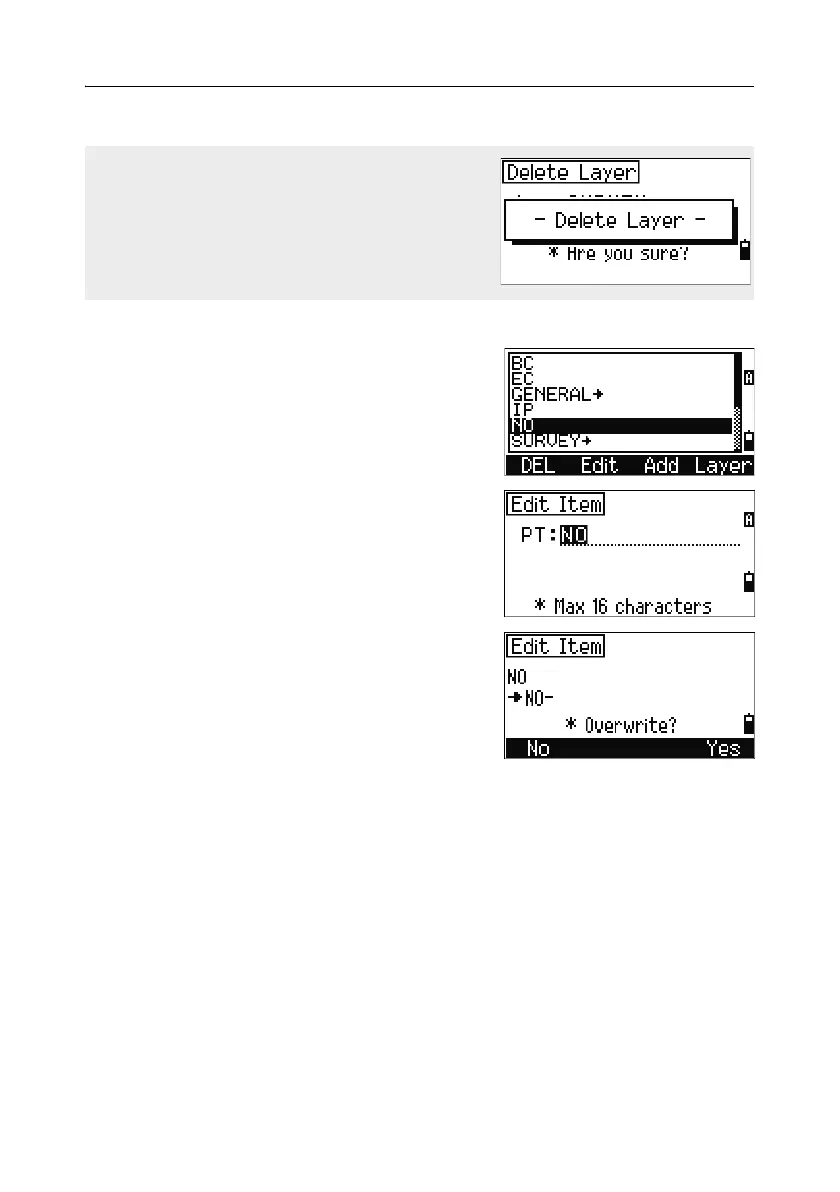
Editing an item in the point list or code list
Use [^] or [v] to highlight the item that you want to
edit. Then press the
Edit softkey.
An editing screen appears. For points, the Edit
Item screen appears. It contains only the PT field.
For codes, the Edit Code screen appears,
containing the CD field and the REC field.
Edit the text shown and then press
[ENT].
A confirmation screen appears. Press
[ENT] or the
Yes softkey to accept the changes and update the
list.
To delete a whole layer, highlight the layer name
in the list and press the DEL softkey. All codes
and layers in the selected layer are deleted.



 To Next Page