5 Menu Key
158 Pulse Laser Station NPL-302 Series Instruction Manual
The point name is added to the current layer and
the list is updated.
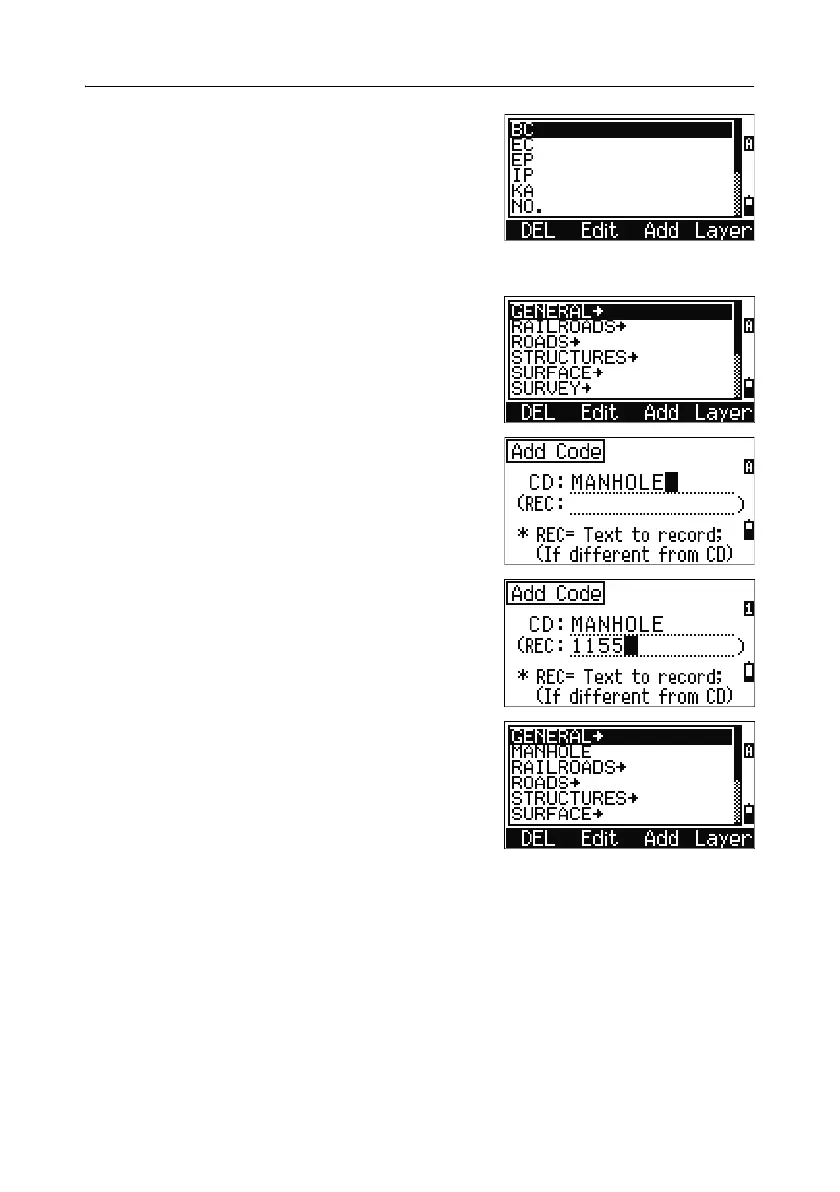
Adding a code
In the code list, press the Add softkey to add a
new feature code to the current layer.
Enter the feature code in the CD field. Press
[MODE] to change between alphabetic and numeric
input mode.
You can use the REC field to define a numeric
identifier for each feature code. This is optional: If
there is a value in the REC field, this value is
stored. If you leave the REC field blank, the CD
value is stored.
Press
[ENT] to add the new code and update the
code list.



 To Next Page