Getting Started 3
Pulse Laser Station NPL-302 Series Instruction Manual 57
5.
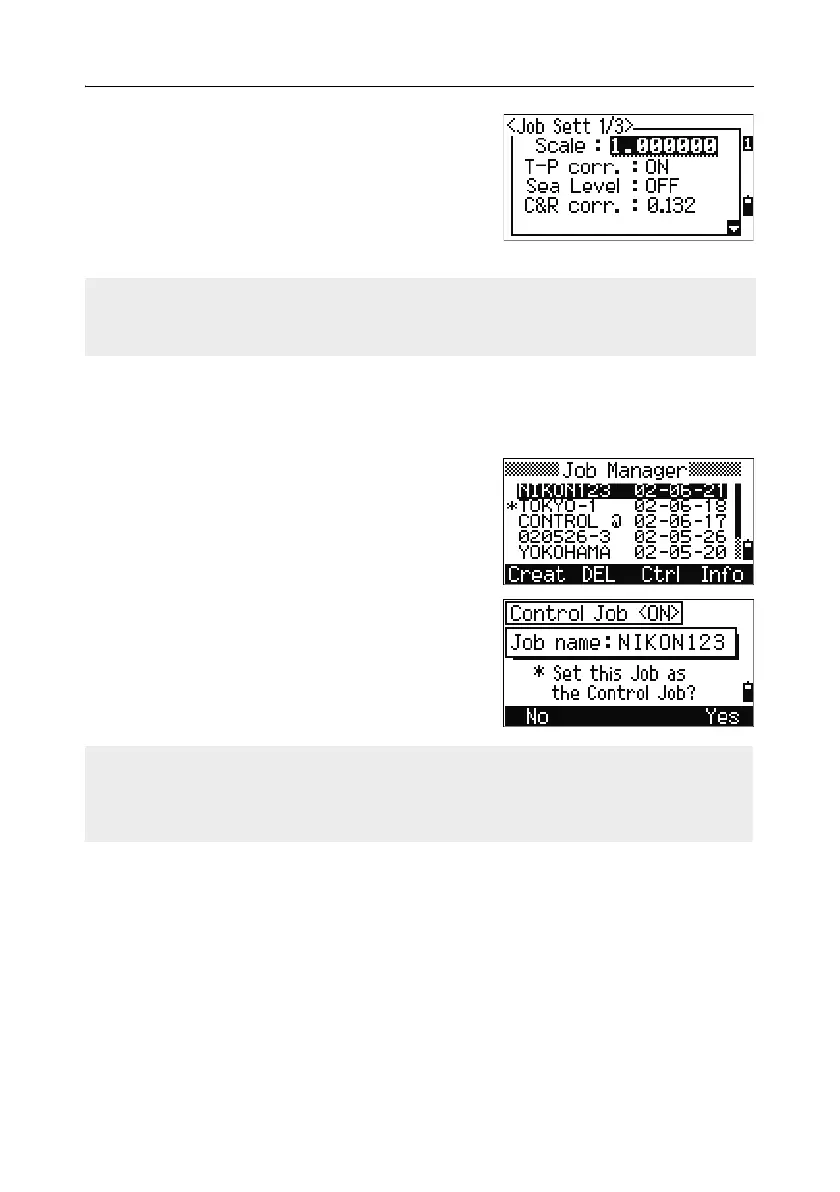
Press the Sett softkey to check the job
settings. You cannot change a job’s settings
once you have created the job.
6. Press [ENT] in the last field of the Job Sett
screen to create the new job.
Creating a control job
A control job, or common file, stores coordinate data that is used by several field
jobs. You can create a control job in the office.
1. Press [MENU] to open the MENU screen.
2. Press [1] or select Job to open the Job
Manager.
3. Move the cursor to the job that you want to use
as the control job.
4. Press the Ctrl softkey.
5. Press the Yes softkey.
For more information, see Creating a control job,
page 57.
If either of the messages MAX 32JOBs or Data Full appears, delete at least one
existing job to free space. You cannot free space by deleting records in an existing
job.
When you enter a point name or number, the system searches in the current job
first. If the point is not found in the current job, the search is automatically extended
to the control job. If the point is found in the control job, the selected point is copied
to the current job as a UP record.



 To Next Page