144 Chapter 12 Working with DIMMs and the CPU
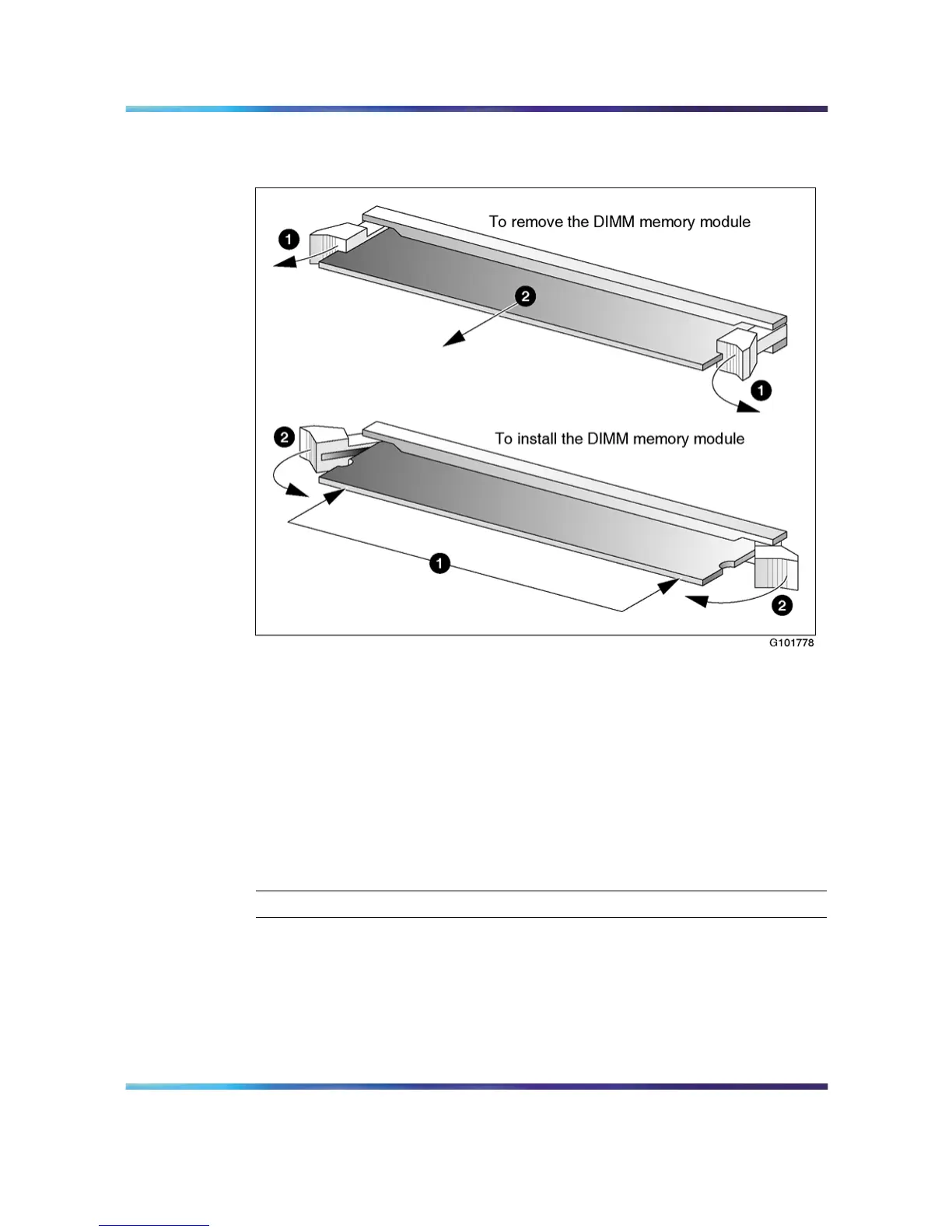
DIMM removal and installation
When installing DIMMs, ensure that the slots are populated in order, starting
with the slot closest to the power connector:
•
DIMM 1A (This is the slot closest to the power connector.)
•
DIMM 1B
•
DIMM 2A
•
DIMM 2B
To remove baseboard DIMMs
Step Action
1 Prepare the server for DIMM replacement as follows:
a. Shut down the server, and then disconnect the power and
peripheral device cables.
b. Place the server on its side.
c. Remove the side cover.
Nortel CallPilot
703t Server Maintenance and Diagnostics
NN44200-702 01.03 Standard
5.0 3 April 2007
Copyright © 2007, Nortel Networks Nortel Networks Confidential
.











 To Next Page