5.4 Inserting paper (pinfed)
A29246-X20-X-4-7680 / fa502_pinfed.fm 101
5. Click on the following button:
The cut paper web is placed in the stacker.
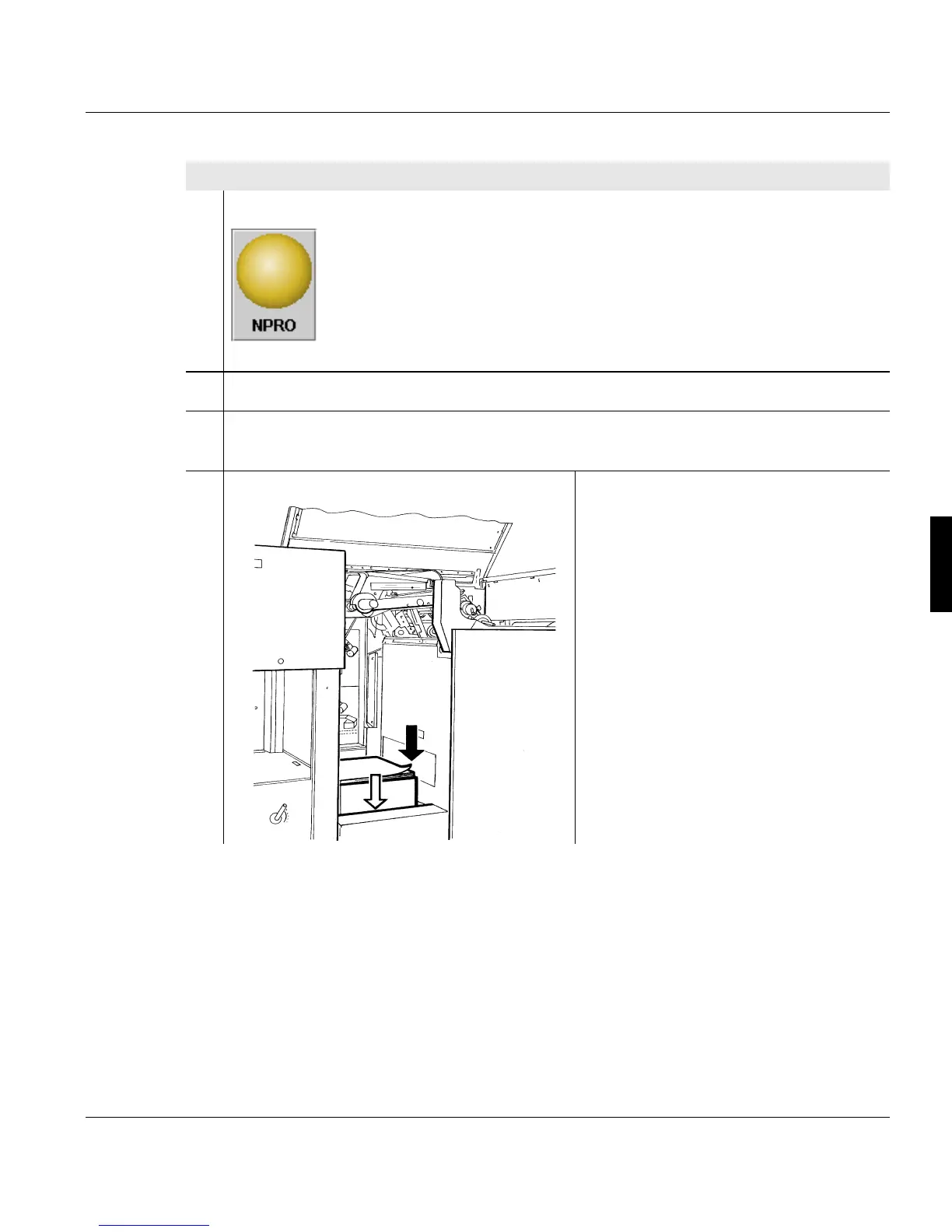
6. Remove paper stack from the input tray.
7. If the paper changes, perform the corresponding actions (see section 5.6 Settings
when changing paper (pinfed), page 121).
8. Only if changing the paper width:
Loosen the slide for setting the paper
width and set to the width of the paper
being used.
Proceed as follows:



 To Next Page