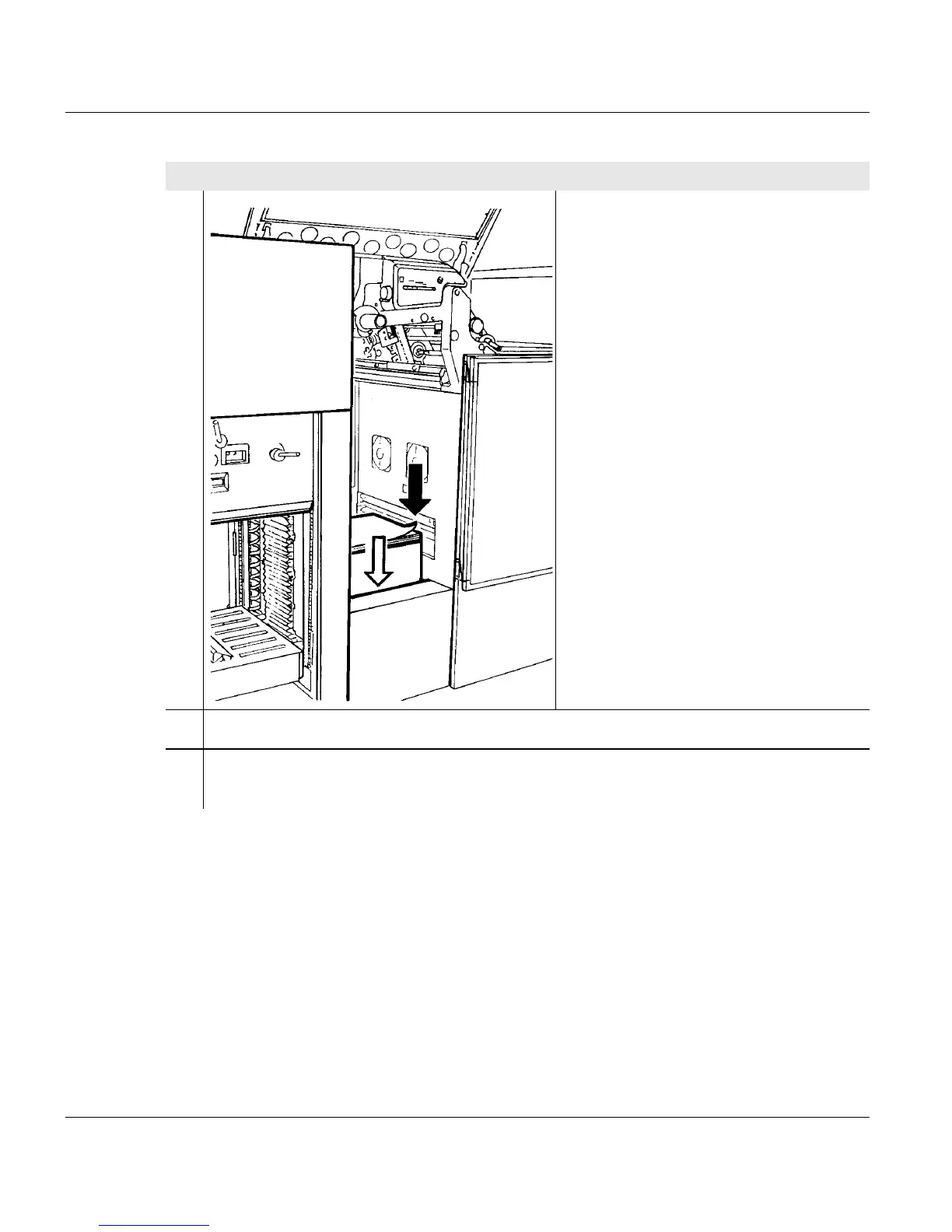
5.4 Inserting paper (pinfed)
102 A29246-X20-X-4-7680 / fa502_pinfed.fm
9. Only for paper feed via the internal
input tray:
Insert the new paper stack in the input
tray so that the paper points to the
right, i.e. the first paper fold is to the
left.
10. Push the paper stack and the carton tightly to the front feed edge.
11. Tear off any damaged first pages from the paper stack in such a way that the paper
start points to the right.
Proceed as follows:



 To Next Page