5.9.2.1 Removing the developer station
148 A29246-X20-X-4-7680 / fa509.fm
Removing the developer station
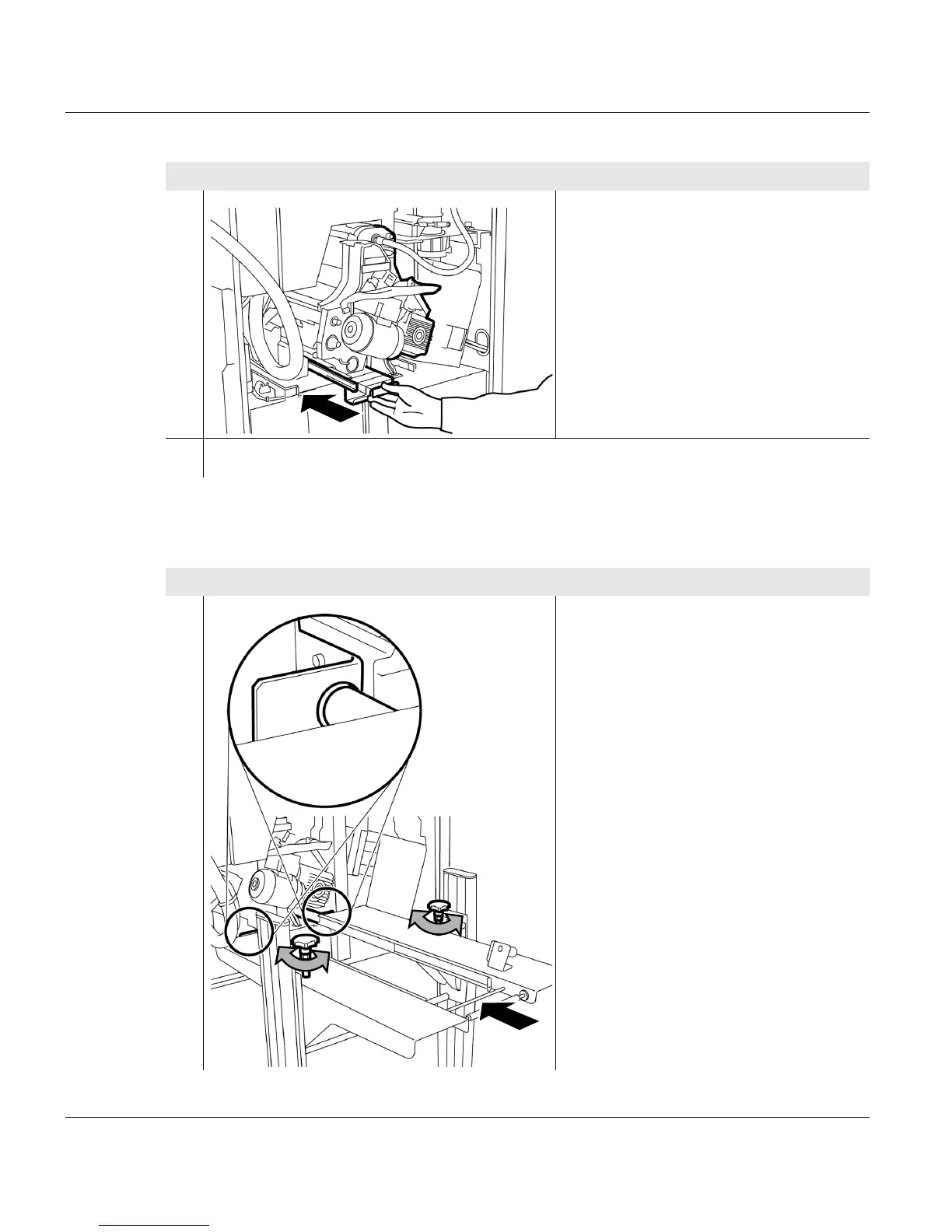
9. Hold the developer station by the
handle and push into the printing
system to the stop point.
10. Removing the developer station >>> page 148
Proceed as follows:
1. Push the replacement cart towards the
printing system and set the height of
the support precisely:
Turn the setscrews so that the two pins
are directly opposite the
corresponding holes on the printing
system.
1 of 4
Proceed as follows:
3 of 3
2
3



 To Next Page