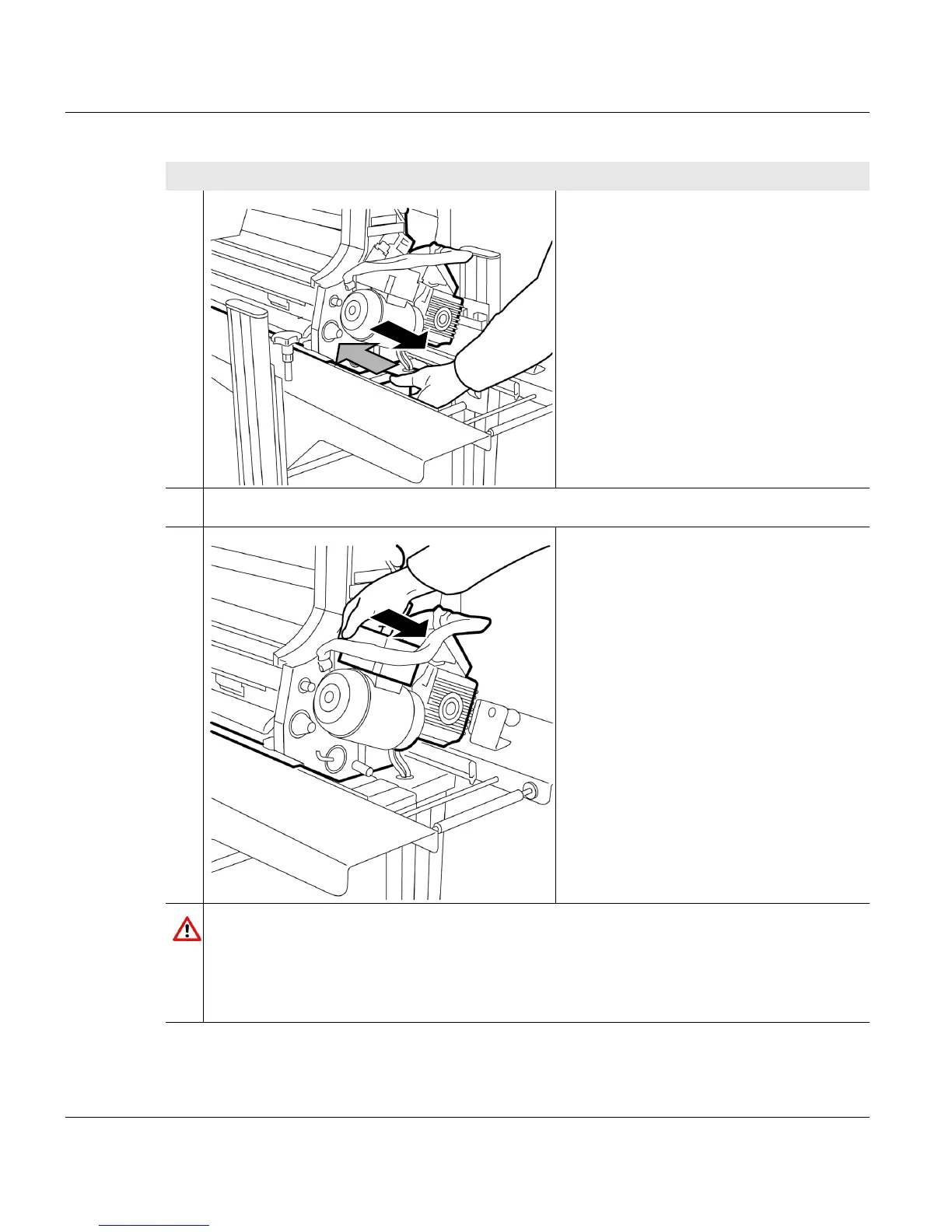
5.9.2.1 Removing the developer station
150 A29246-X20-X-4-7680 / fa509.fm
5. Hold the developer station by the
handle and pull out to the stop point.
6. Press in handle.
7. Hold the developer station at the black
connection box and pull out to the next
stop point.
Caution
Danger of pinching!
Do not hold the developer station by the gear motor housing when you are removing
the developer station from the printing system. Otherwise, you could crush your hand
in the replacement cart's locking bolts.
Proceed as follows:
3 of 4



 To Next Page