5.9.2.1 Removing the developer station
A29246-X20-X-4-7680 / fa509.fm 151
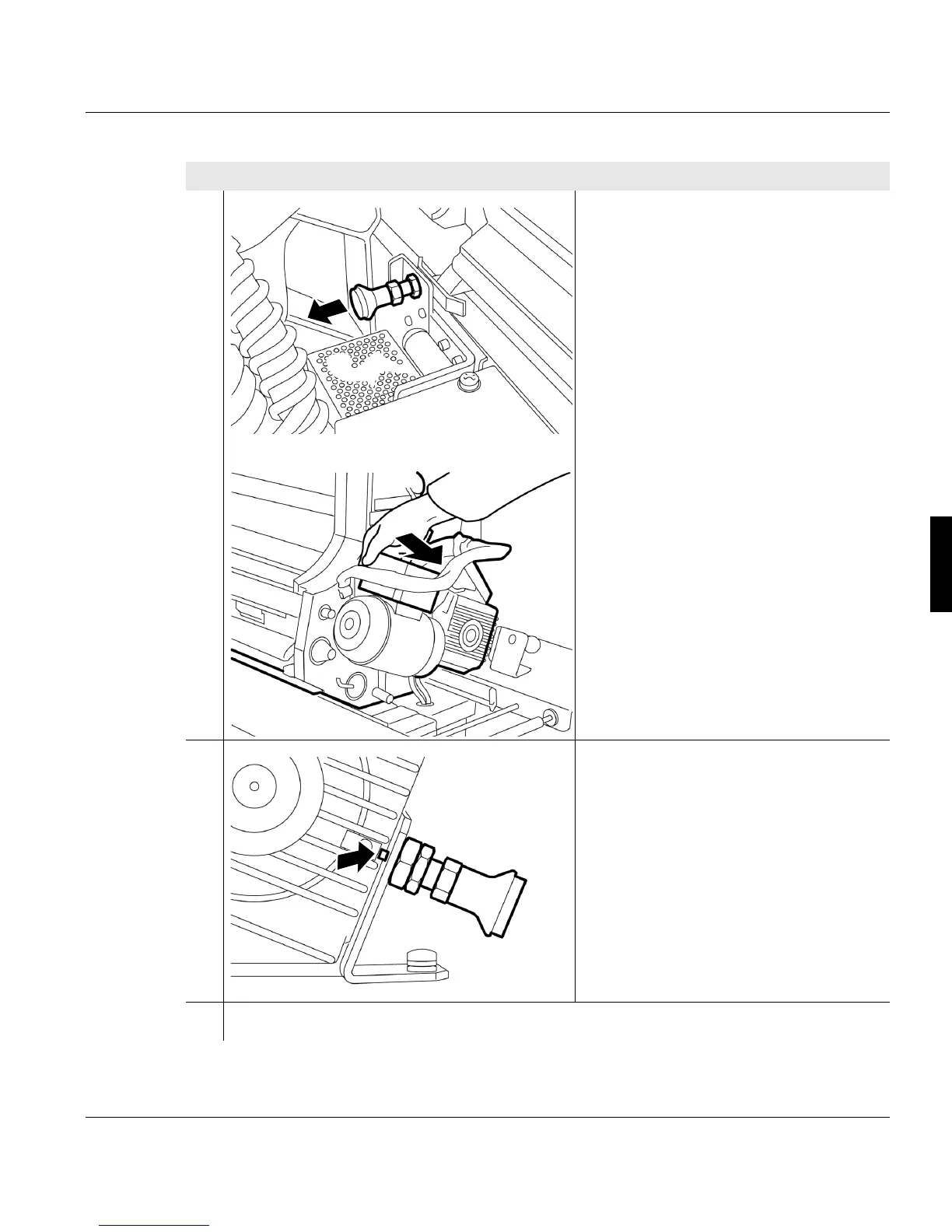
8. Pull out the locking bolt on the printing
system (to the left of the developer
station) and at the same time hold the
developerstation by the black contact
box and pull out of the printing system
until the replacement cart's locking bolt
engages with the housing of the gear
motor.
9. Check whether the replacement cart's
locking bolt has engaged with the
housing of the gearmotor.
10. Final tasks for removing the developer station >>> page 152
Proceed as follows:
4 of 4
+



 To Next Page