5.9.2.2 Installing the developer station
A29246-X20-X-4-7680 / fa509.fm 159
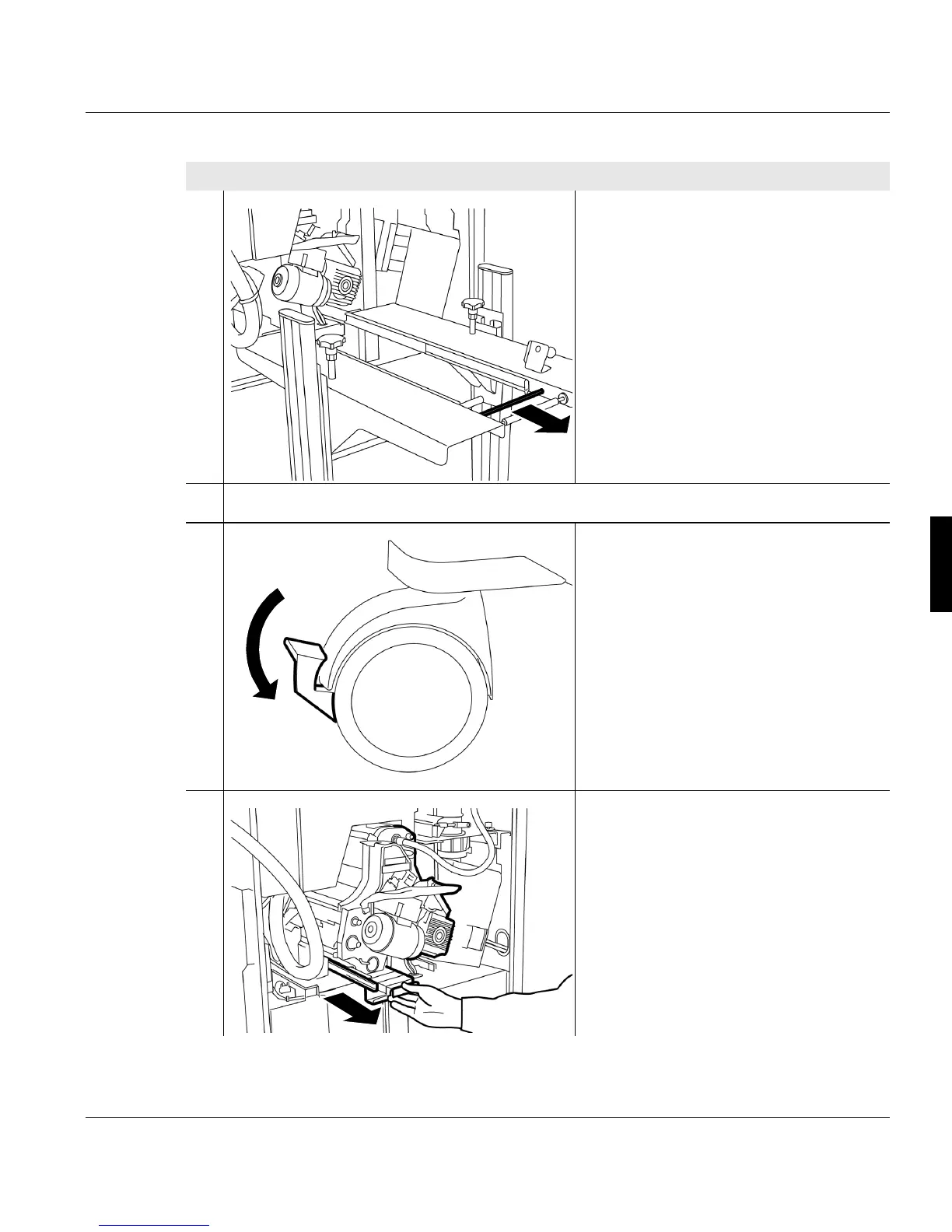
7. Pull the replacement cart's unlocking
rod and remove the replacement cart
from the printing system.
8. Push the replacement cart to one side.
9. Push the lever on both roller brakes
downwards. The replacement cart can
now no longer roll unintentionally.
10. Hold developer station by the handle
and pull out approx. 30 cm
Proceed as follows:
4 of 5



 To Next Page