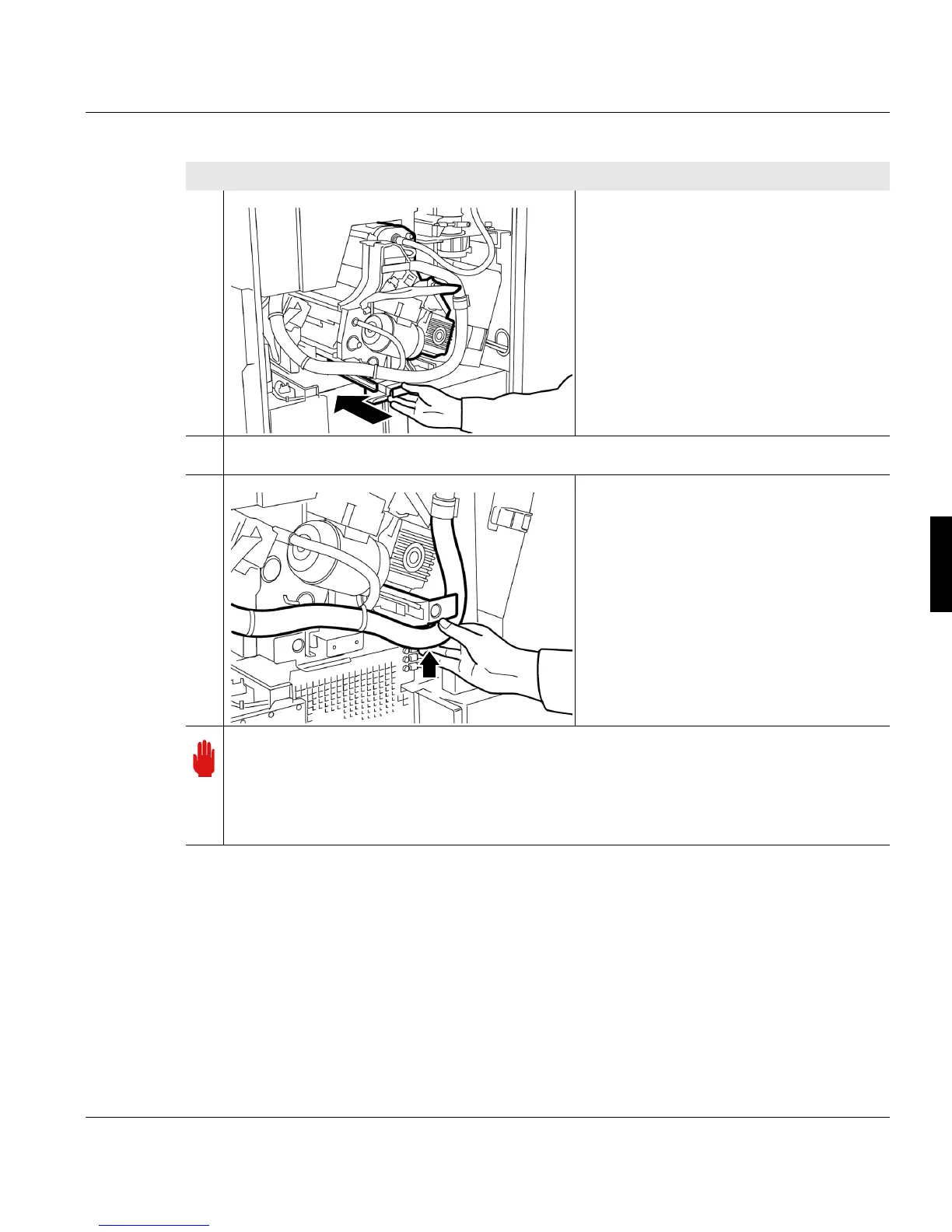
5.9.2.2 Installing the developer station
A29246-X20-X-4-7680 / fa509.fm 161
6. Hold the developer station by the
handle and push into the printing
system to the stop point.
7. Push in handle all the way.
8. Move toner suction hose up.
Important
The door of the photoconductor drum should close easily. If not, the developer
station has not been pushed fully into the printing system. In this case, open the back
door of the printing system and push the developer station into the printing system
up to the stop point.
Proceed as follows:
2 of 3



 To Next Page