6.3 Cleaning the paper path
A29246-X20-X-4-7680 / fa602_pinfed.fm 187
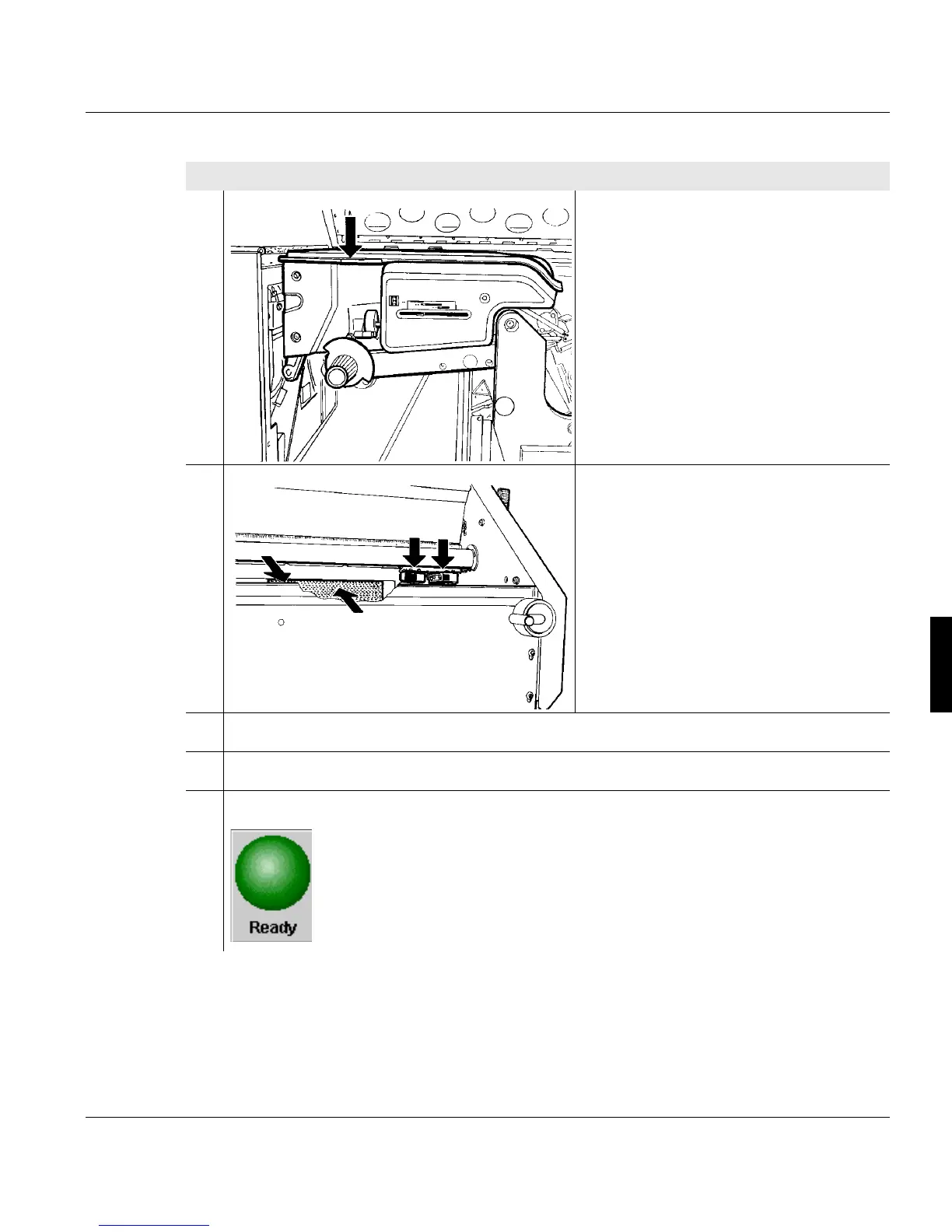
25. Only for printing systems with heated
preheating saddle:
Close cover above the preheating
saddle again.
26. Clean the two fold sensors and the
associated reflectors on the stacker
with a soft cloth.
27. Close cover hood.
28. Close the left door at the front of the printing system.
29. Click the following button to switch the printing system to the "Ready" status:
Proceed as follows:



 To Next Page