7.2.3 Replacing the waste toner bottle
236 A29246-X20-X-4-7680 / fa701.fm
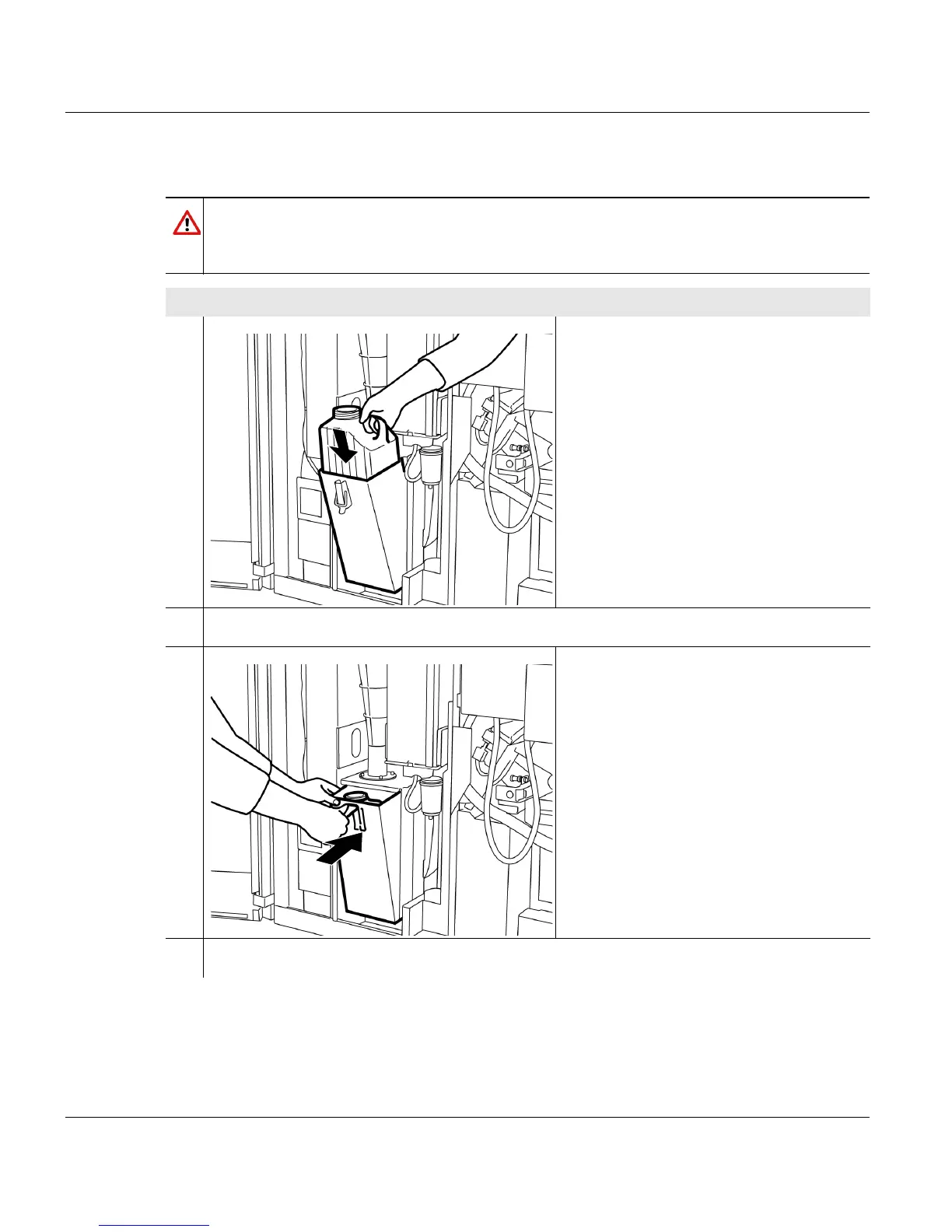
Installing the waste toner bottle
Caution
Observe the safety directives before inserting the waste toner bottle (see section
7.2.3 Replacing the waste toner bottle, page 233).
Proceed as follows:
1. Take an empty toner bottle and insert
into the waste toner bottle holder so
that its handle is to the right.
2. Remove the lid of the empty toner bottle.
3. Push in the waste toner bottle holder
and lock with the locking lever.
4. Close the left and center door at the back of the printing system.
1 of 2



 To Next Page