7.2.4 Replacing the developer
A29246-X20-X-4-7680 / fa701.fm 239
Empty developer station
Proceed as follows:
1. If the printing system has not yet stopped, click the following button:
2. On the operator panel select:
• Menu <Replace consumables> <Replace developer>
3. Click on the following button to start the developer replacement:
Information on the icons displayed on the operator panel under "Worksteps":
see section Icons, page 93
4. Open the left and center door at the back of the printing system.
5. Replace waste toner bottle with an empty one(see section 7.2.3 Replacing the waste
toner bottle, page 233).
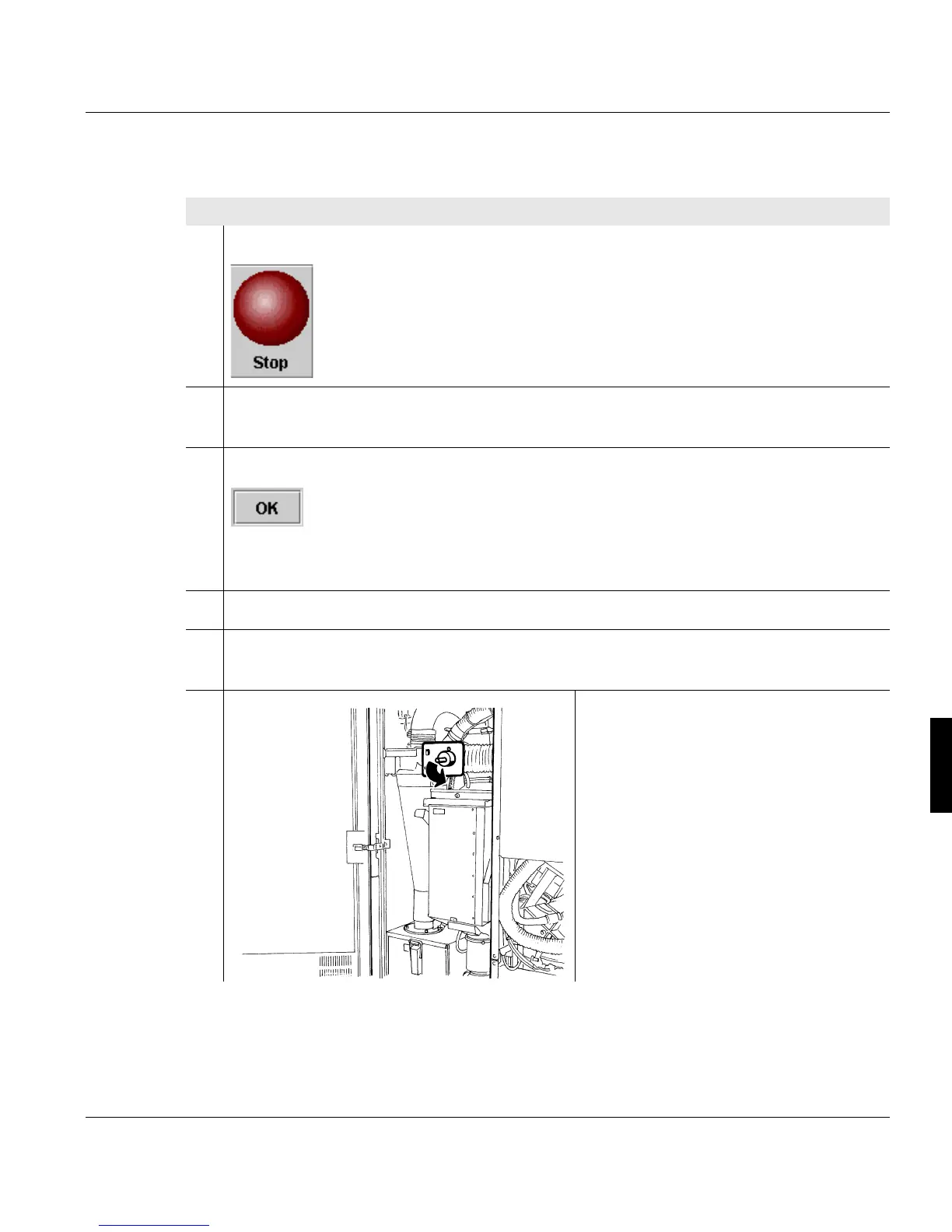
6. Set rotary switch to the
"SERVICE" position.
1 of 5



 To Next Page