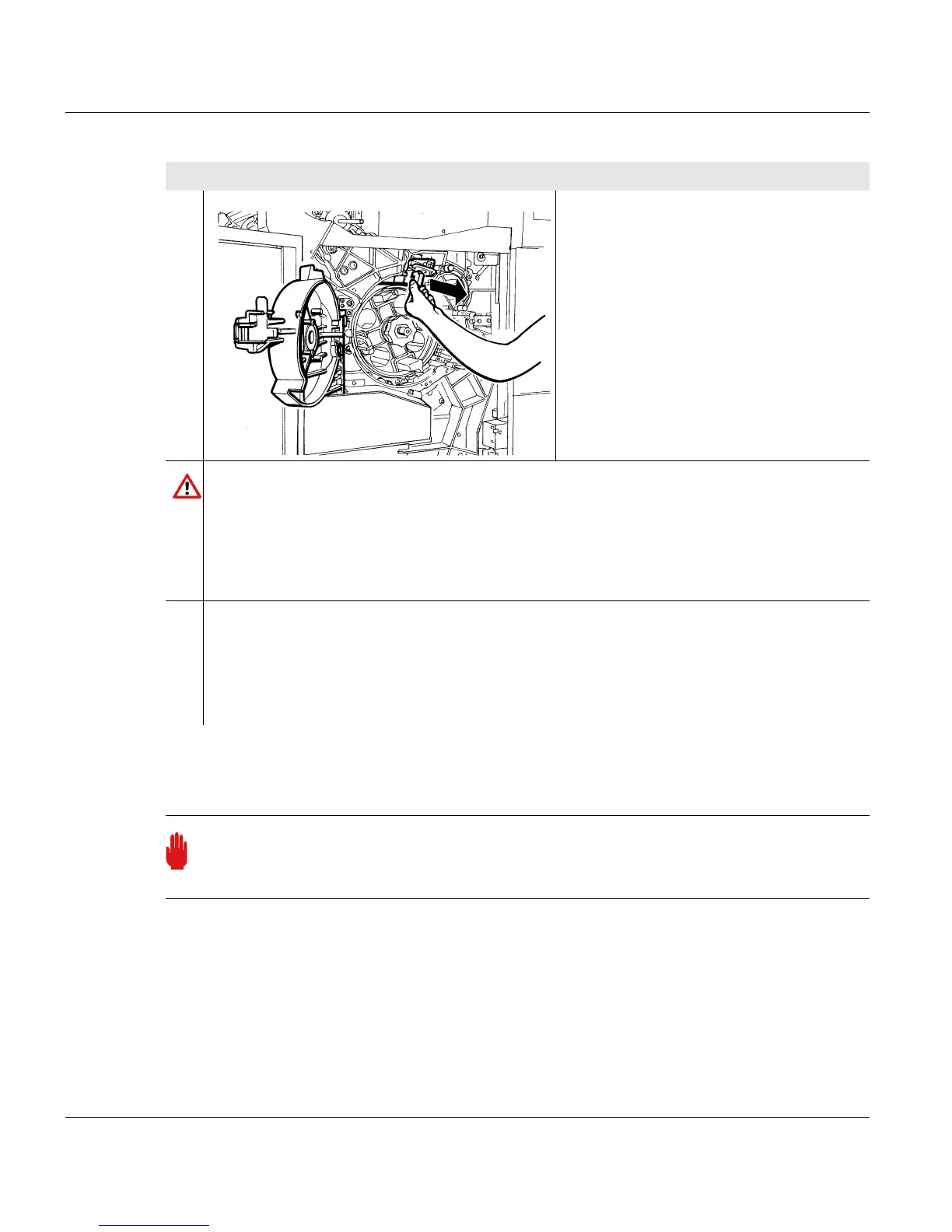
7.3.4.7 Replacing the discharge corotron (torn wire)
288 A29246-X20-X-4-7680 / fa703.fm
Install new discharge corotron
2. Remove corotron cartridges.
Caution
When removing the discharge corotron cartridge, the nipple on the corotron wire may
fall into the developer station without you noticing. If printing then continues, the
developer station can be irreparably damaged.
When changing the faulty discharge corotron cartridge, always check if the nipple is
still on the corotron wire. If the nipple is missing, search for and find it.
3. Check whether the nipple is still in on the corotron wire. If the nipple is missing,
search for it. To do this, pull out the developer station (see section 6.7 Cleaning the
developer station, page 203) and search the developer station and the entire area
around it. If no nipple is found, remove the photoconductor drum and search this
area.
Important
Observe the safety directives before replacing corotrons (see section 7.3.4 Replacing
corotrons, page 269).
Proceed as follows:
2 of 2



 To Next Page