7.3.8 Replacing the fuser roller
A29246-X20-X-4-7680 / fa703.fm 317
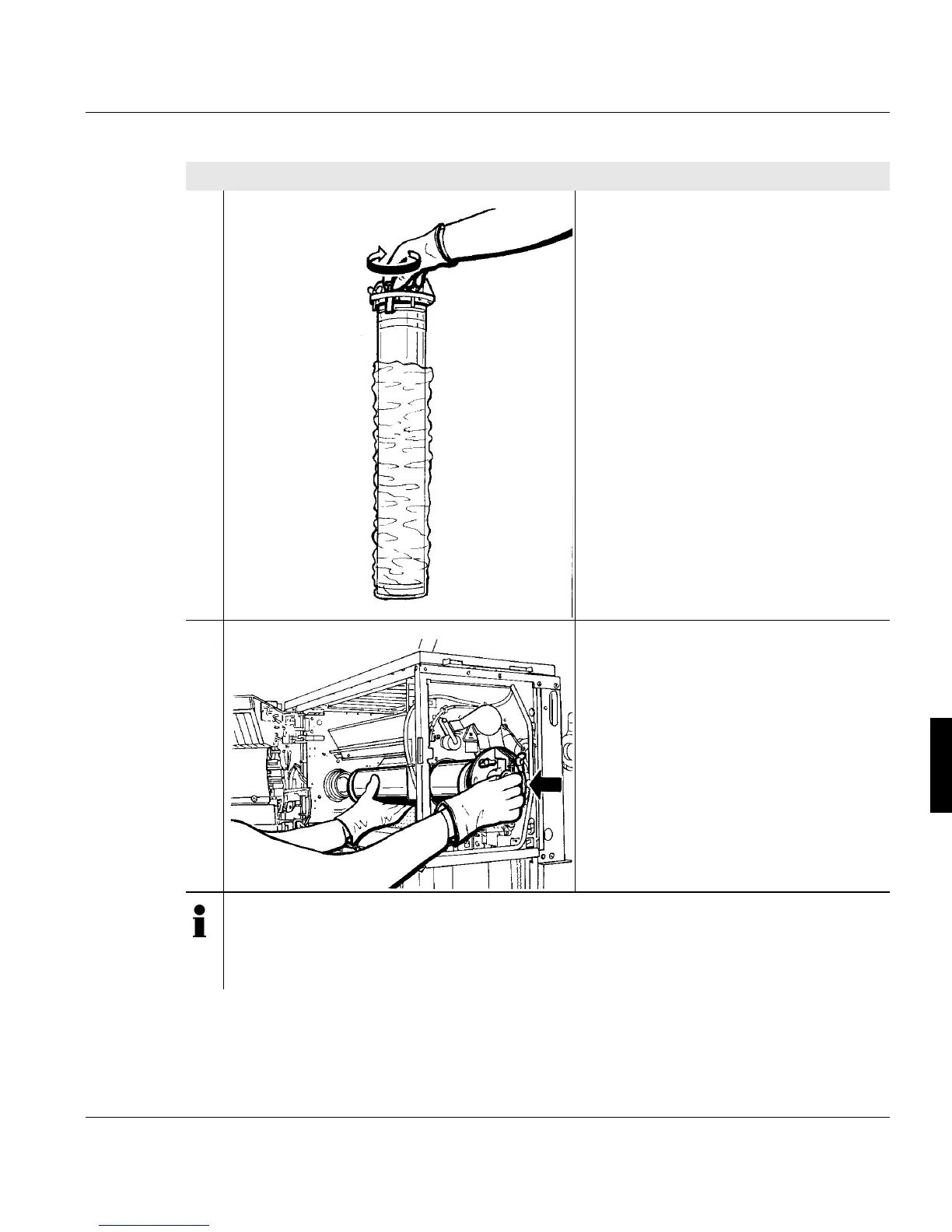
2. Tighten the two knurled screws for the
holder claws on the fuser roller insert.
Remove the plastic cover from the new
fuser roller.
3. Insert the new fuser roller into the
opening and push towards the fuser
roller drive.
Note
If you encounter a lot of resistance when pushing the new fuser roller towards the
fuser roller drive, allow the printing system to cool down for approx. 5 more minutes
and then try again.
Proceed as follows:
2 of 4



 To Next Page