8.3 Clogged toner suction
A29246-X20-X-4-7680 / fa805.fm 347
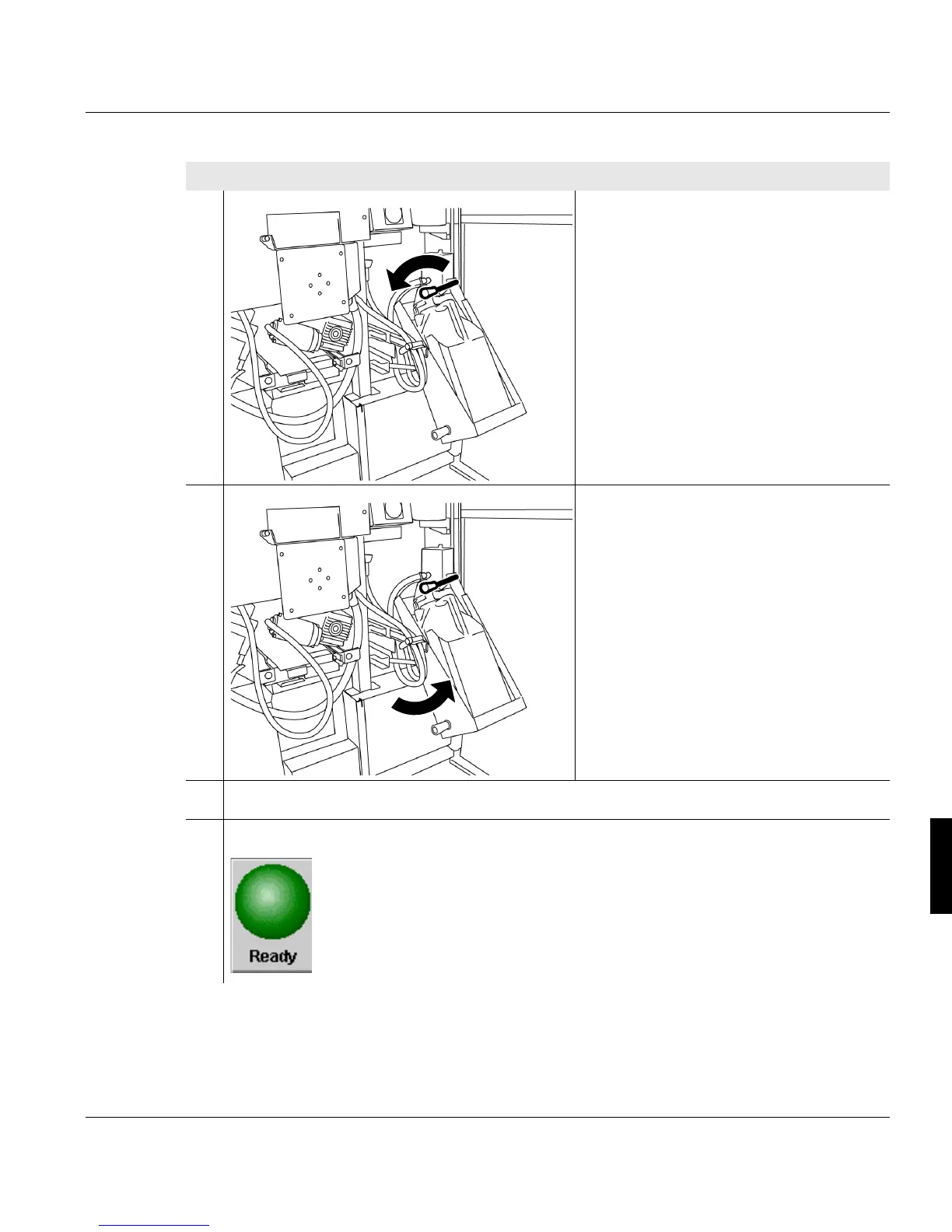
10. Move the lever downwards to swivel
on the drain head.
11. Use the handle to turn the container
upwards slowly.
12. Close the left and center door at the back of the printing system.
13. Click the following button to switch the printing system to the "Ready" status:
Proceed as follows:
4 of 4



 To Next Page