4.2.1.2 Center area buttons and displays
66 A29246-X20-X-4-7680 / fa400.fm
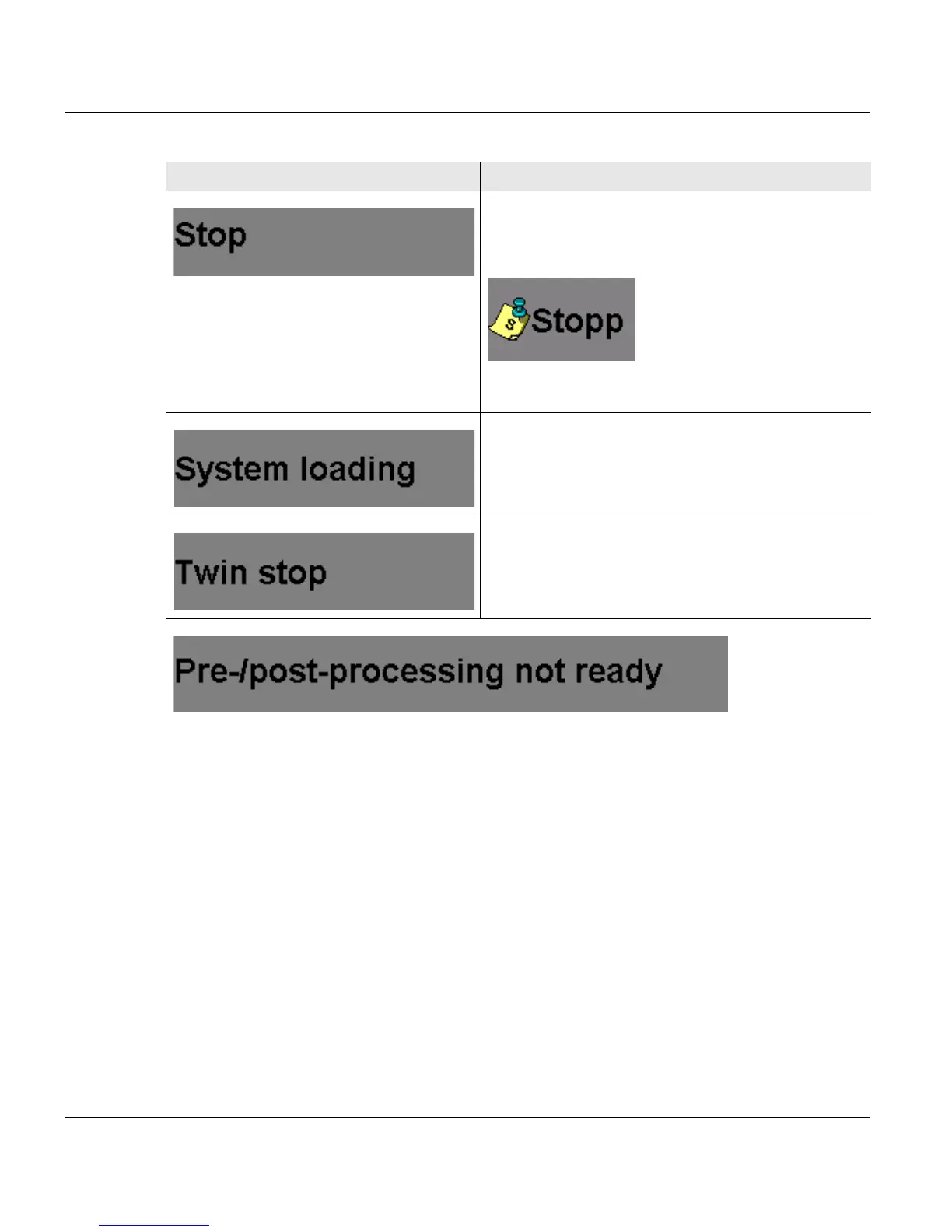
The printing system is in "Stop" status.
The following icon is displayed when a message
from the data stream has also been transferred:
The complete message is displayed on the "Job
Preparation" tab in the <Setup> menu.
The printing system is being prepared for restart
and will then be rebooted.
The twin printing system is in the "Stop" status.
Printing is interrupted because pre/post processing has stopped. The printing process will
continue when pre/post processing is ready.
Display Function
3 of 3



 To Next Page